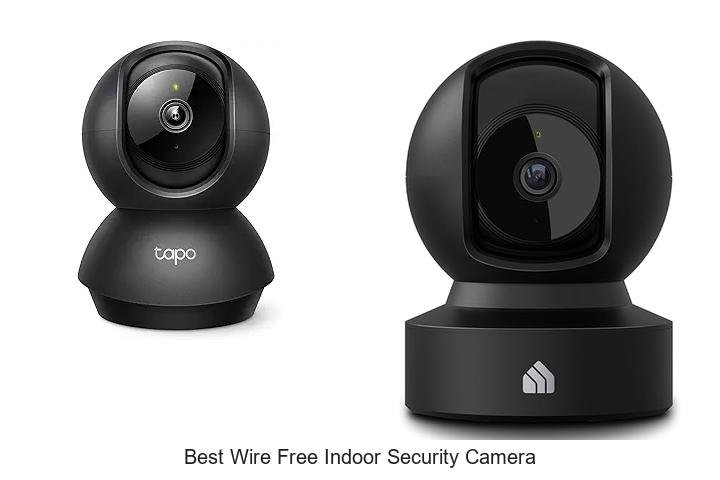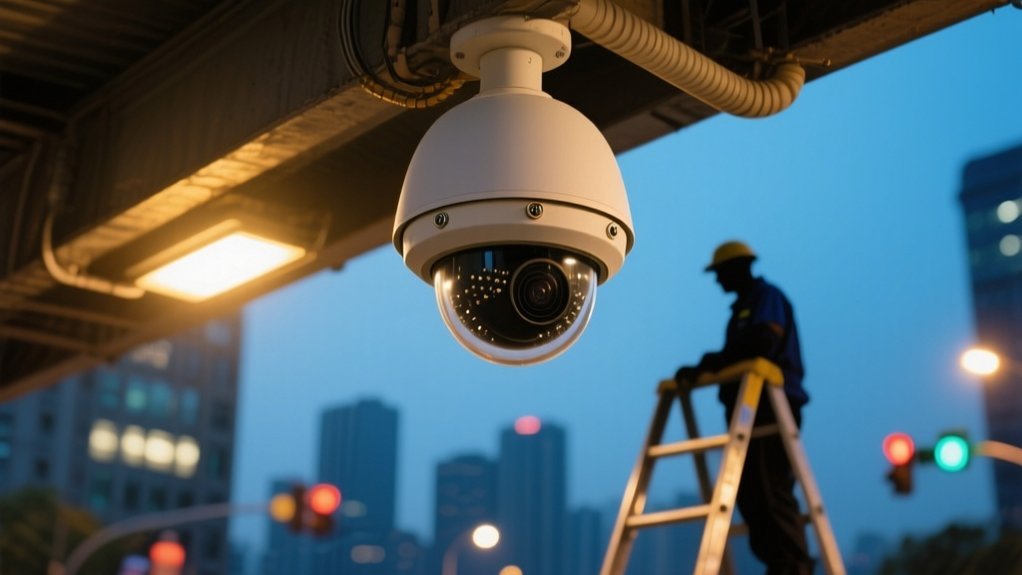
When Were CCTV Cameras Invented and How Are They Set Up?
CCTV cameras were invented in 1942 for military surveillance in Germany. Early models provided live monitoring without recording. But videotape recorders introduced in the 1950s allowed footage capture and review.
To set up CCTV, you mount cameras 7–10 feet high, connect them to a DVR or NVR using coaxial or Ethernet cables, and configure resolution, field of view, and night vision settings. Proper placement at entrances improves coverage.
Keep exploring to uncover detailed installation methods and troubleshooting tips.
Key Takeaways
- CCTV cameras were invented in 1942 by Walter Bruch in Germany for monitoring V-2 rocket launches during World War II.
- The first commercial CCTV system appeared in 1949, initially requiring continuous live monitoring without recording capabilities.
- Modern CCTV setup involves selecting camera types like dome, bullet, PTZ, or IP based on surveillance needs and location.
- Cameras should be mounted 7-10 feet high, connected to DVR/NVR systems via coaxial or Ethernet cables, and configured for optimal resolution.
- Best practices include positioning cameras at entry points, ensuring good lighting, using PoE for power/data, and enabling remote monitoring.
When and Where Were CCTV Cameras First Invented?
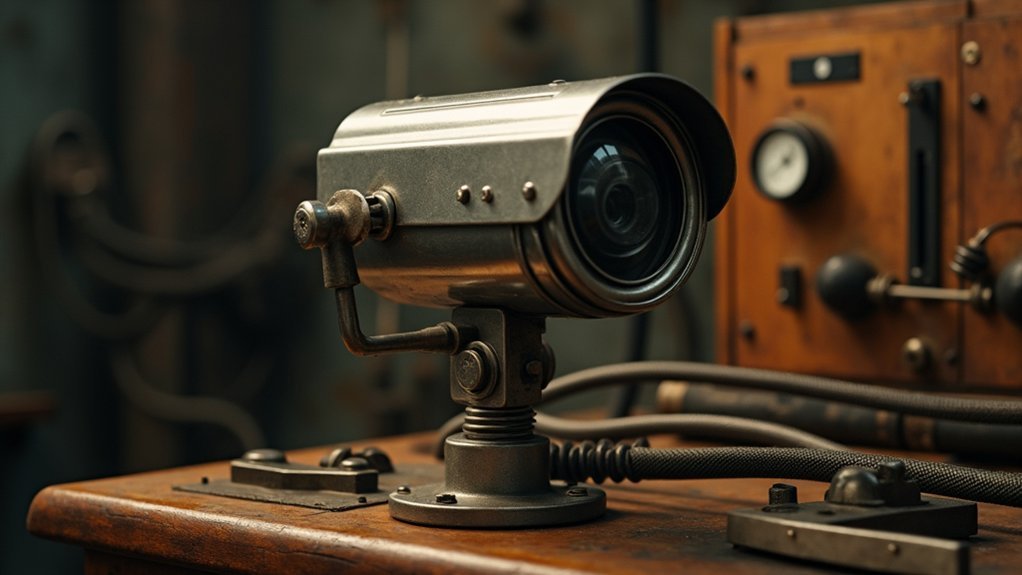
When and where did CCTV cameras first come into existence? CCTV cameras were first invented in 1942 by Walter Bruch in Germany. They were designed specifically for surveillance and monitoring of V-2 rocket launches during World War II.
This marked the initial development of CCTV technology focused on real-time observation rather than recording. The first commercial CCTV system, named Vericon, became available in the United States in 1949. It provided public access to surveillance technology.
However, these early systems required continuous monitoring and lacked recording capabilities. As you investigate CCTV’s origins, note that the technology initially centered on live monitoring, with the United States playing a pivotal role in commercial adoption.
Early CCTV systems focused on live monitoring and lacked recording, with the US leading commercial adoption.
Walter Bruch’s invention laid the groundwork for future advancements in surveillance cameras. His work influenced their widespread use in security and crime prevention.
How Videotape Recorders Changed CCTV Camera Recording
Although early CCTV systems provided real-time monitoring, they lacked the ability to record footage, which limited their effectiveness. The invention of the videotape recorder (VTR) in 1951 transformed CCTV systems by enabling live recording of surveillance footage. This eliminated the need for constant monitoring.
The commercial VTR VR-1000, launched in 1956, introduced accessible recording technology despite its high cost. Later, multiplexing technology in the 1990s improved efficiency by allowing simultaneous recording of multiple camera feeds on a single monitor.
| Feature | Impact on CCTV Systems |
|---|---|
| Videotape Recorder | Enabled recording of surveillance footage |
| Commercial VTR (1956) | Made recording technology accessible |
| Multiplexing Technology | Increased efficiency by recording multiple feeds |
This progression fundamentally changed CCTV recording capabilities and operational efficiency.
Major Technological Milestones in CCTV Camera Development
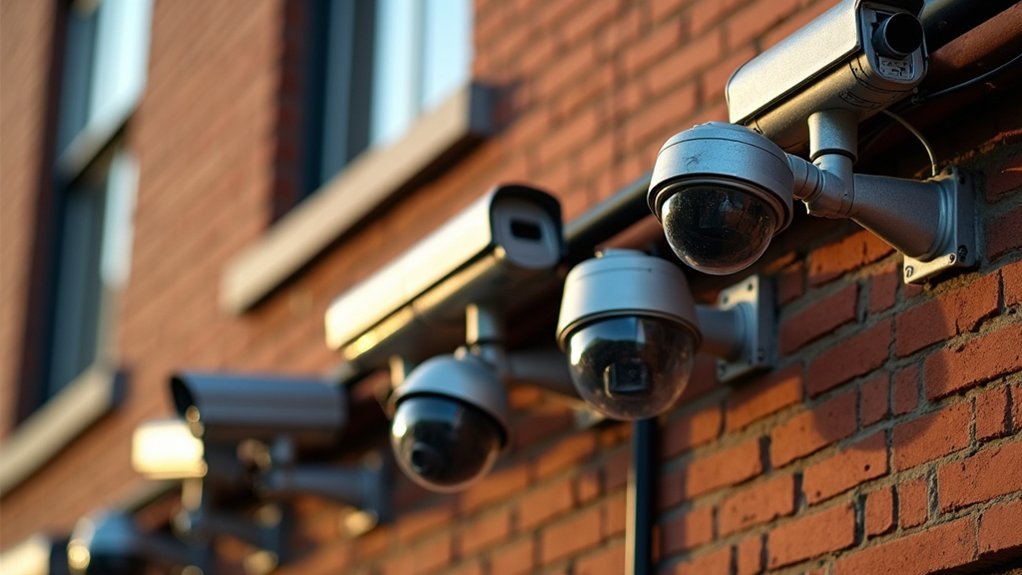
You’ll find that CCTV technology started with some pretty interesting early innovations. For example, Léon Theremin came up with a wireless system back in 1927, and then Walter Bruch developed a closed-circuit setup in 1942.
These early breakthroughs really laid the groundwork for all the major advances that followed.
Fast forward to 1996, and you see a big shift when the first IP camera was launched, moving surveillance into the digital age.
Knowing about these milestones gives you a clearer picture of how surveillance evolved into the sophisticated systems we use today.
It’s pretty fascinating to see how far the technology has come!
Early Invention Timeline
Because surveillance technology evolved through key innovations, understanding the early invention timeline reveals how CCTV cameras transformed from experimental systems to practical security tools.
The first documented use of surveillance cameras dates back to 1927, when Léon Theremin developed a wireless system for the Kremlin.
In 1942, Walter Bruch designed the first official closed-circuit television (CCTV) system for monitoring V-2 rocket launches.
Commercial availability of CCTV systems began in 1949 with Vericon’s product, which lacked recording capabilities.
The introduction of the videotape recorder in 1951 marked a major advancement, enabling recording capabilities and leading to the first public use during Queen Elizabeth II’s coronation in 1953.
The 1969 invention of videocassettes transformed security camera technology, promoting widespread adoption across homes and businesses.
Digital Revolution Advances
As digital technology advanced, CCTV systems underwent transformative changes that reshaped surveillance capabilities. You saw the shift from analog to digital video recorders (DVRs) in the early 2000s, improving image quality and storage speed, replacing consumer VCRs.
Multiplexers allowed multiple camera feeds on one monitor, optimizing security systems. The 1996 launch of the Axis NetEye 200 IP camera pioneered wireless transmission, freeing CCTV cameras from closed circuits. Earlier, CCD technology improved low-light footage since 1976, critical for diverse lighting in surveillance systems.
| Milestone | Impact on CCTV Systems |
|---|---|
| CCD Technology (1976) | Improved low-light footage quality |
| Consumer VCRs (1971) | Broadened home security adoption |
| Multiplexers (1990s) | Multi-feed display, reduced storage |
| IP Cameras & Wireless (1996) | Enabled wireless transmission |
Types of CCTV Cameras and Their Key Features
Four main types of CCTV cameras serve distinct surveillance purposes: dome, bullet, PTZ, and IP cameras.
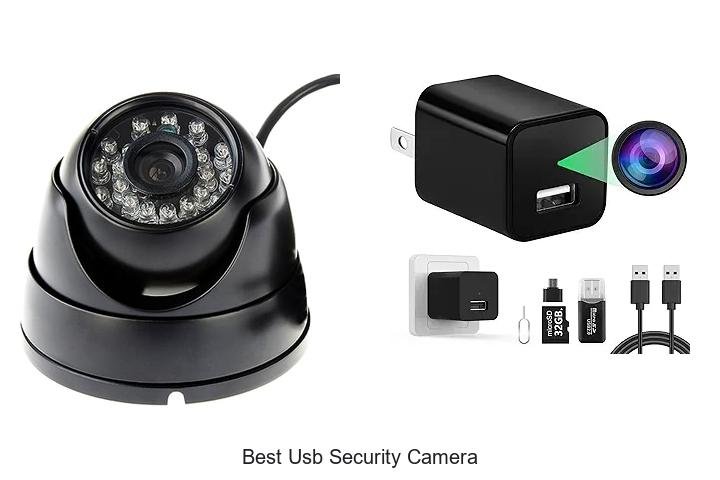
Dome cameras feature a discreet design and provide a wide field of view. They’re ideal for retail or indoor environments where subtle monitoring is essential.
Dome cameras offer discreet surveillance with a wide field of view, perfect for subtle indoor monitoring.
Bullet cameras excel in long-distance viewing. They’re often deployed outdoors to monitor perimeters with high visibility deterrence.
PTZ cameras improve surveillance technology by enabling you to pan, tilt, and zoom remotely, allowing dynamic tracking of moving subjects.
IP cameras transmit data via Internet Protocol, offering higher resolution footage and remote access through network connections.
Each type addresses specific monitoring needs, so understanding their key features helps optimize your surveillance setup for effective security management.
How to Choose the Right CCTV Cameras for Your Needs
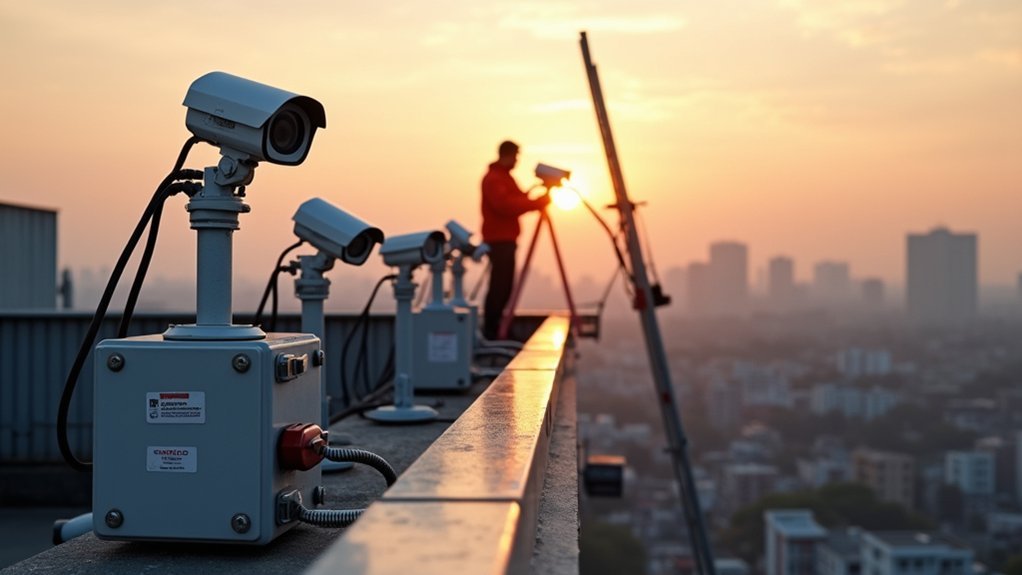
How do you determine which CCTV camera best suits your security requirements? Start by evaluating resolution for clear footage. 1080p or 4K is ideal for identifying details.
Consider field of view. Wider angles (90-180°) cover more area, reducing the number of cameras needed. Night vision is vital for round-the-clock surveillance.
Decide between wired or wireless systems. Wired offers stable connections, while wireless makes installation easier. Outdoor cameras must have weatherproof ratings (IP66+) to withstand the elements.
| Feature | Importance |
|---|---|
| Resolution | Clarity to identify faces/plates |
| Field of View | Coverage area to reduce blind spots |
| Night Vision | Clear footage in low-light conditions |
| Wired vs Wireless | Balance between reliability and ease |
Choose CCTV cameras by balancing these factors to optimize your surveillance effectiveness.
Step-by-Step Guide to Setting Up CCTV Cameras at Home
Before installing your CCTV cameras, determine the number and types needed based on your home’s layout and security priorities. Select security cameras with features like motion detection and night vision to improve your home security system.
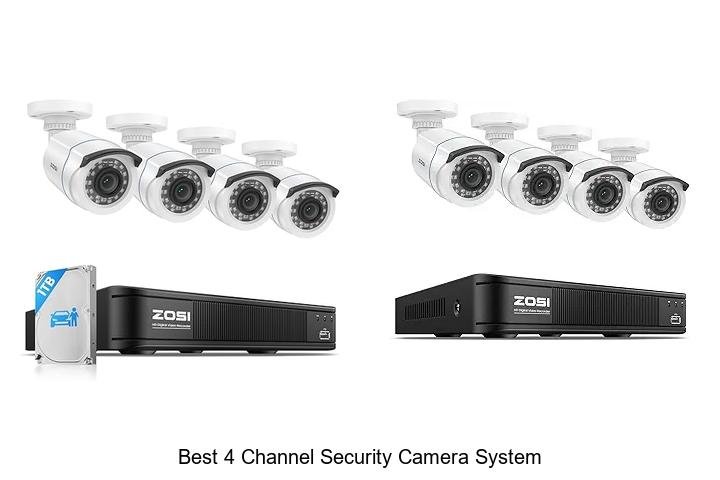
For installation, mount cameras 7-10 feet high at strategic points to guarantee ideal coverage of entryways and vulnerable areas. Connect each camera to a digital video recorder (DVR) if using analog cameras or a network video recorder (NVR) for IP cameras, making sure all devices receive proper power.
Next, configure system settings via the DVR/NVR interface or mobile app, adjusting recording schedules and motion sensitivity to fit your needs.
Finally, establish a routine to test cameras regularly, perform lens cleaning, and update software for consistent performance and reliable security.
How to Connect CCTV Cameras for Recording and Monitoring
When connecting your CCTV cameras for recording and monitoring, you’ll typically link them to a Digital Video Recorder (DVR) or Network Video Recorder (NVR).
These devices capture and store the footage for later access. Installation involves precise camera placement to maximize surveillance coverage while minimizing blind spots.
Here’s how to connect your system effectively:
- Use coaxial cables for analog CCTV cameras with DVRs, or Ethernet cables for IP cameras with NVRs. This supports higher video quality and remote access.
- Opt for Power over Ethernet (PoE) where possible. It combines power and data transmission in one cable to simplify installation.
- Set up monitoring via dedicated software or mobile apps. This lets you view live feeds and access your system remotely for real-time surveillance from anywhere.
This approach guarantees reliable recording and seamless monitoring.
Best Practices for Positioning and Mounting CCTV Cameras
When setting up your CCTV cameras, aim to position them about 8 to 10 feet high. This height helps keep them out of easy reach, which reduces the chances of tampering.
Plus, it gives you a better vantage point for covering the area.
It’s also really important to mount your cameras securely. A stable mount keeps the camera steady and helps avoid any misalignment that could happen over time.
Nobody wants to check their footage only to find the camera angle has shifted!
Try to focus on key entry points—like doors and driveways—as well as well-lit spots.
These locations ensure your surveillance is effective and that your cameras capture clear, useful footage.
Optimal Camera Placement
Although effective surveillance depends on multiple factors, ideal camera placement plays an essential role in capturing clear and thorough footage. For best positioning of CCTV cameras, focus on strategic camera placement that maximizes surveillance coverage while minimizing blind spots.
Here are key points to take into account:
- Mount cameras at 8 to 10 feet high to prevent tampering and guarantee a wide field of view for effective surveillance.
- Position cameras at critical entry and exit points to capture clear images of individuals entering or leaving the premises.
- Use corner placements with adjustable angles to overlap fields of view, enabling extensive monitoring and reducing blind spots.
Regularly assess and adjust camera placement to adapt to environmental changes, guaranteeing ongoing effective surveillance and best monitoring of your space.
Secure Mounting Techniques
Properly securing CCTV cameras complements ideal placement by guaranteeing devices remain stable, protected, and functional over time.
For secure mounting, position cameras at least 8 to 10 feet above ground to minimize tampering and maximize the field of view.
Angle cameras to avoid glare from sunlight, ideally facing away from direct light sources, which improves footage clarity. Use weatherproof, vandal-resistant housings for outdoor installations to shield equipment from environmental damage.
Focus installations on high-traffic areas and entry points to capture clear images of faces and license plates. Regularly check alignment and adjust focus to maintain effective surveillance monitoring.
Common CCTV Installation Problems and How to Fix Them
When setting up CCTV cameras, overlooking key installation factors can cause significant issues like blind spots, poor video quality, and power failures. To guarantee peak performance, conduct a thorough site survey to determine proper camera placement and installation angles.
Proper camera placement and installation angles are crucial to avoid blind spots and ensure optimal CCTV performance.
Address power supply needs by using suitable adapters or Power over Ethernet (PoE) to maintain steady operation. In wireless systems, reduce signal interference by minimizing obstructions and selecting cameras with strong transmission.
Also, configure settings precisely by adjusting resolution and frame rates for clear video quality. For outdoor units, install weatherproof housing to protect against rain or snow and prevent damage.
- Conduct a detailed site survey to avoid blind spots.
- Use reliable power solutions like PoE.
- Minimize interference and adjust settings regularly for peak video quality.
Frequently Asked Questions
Are CCTV Cameras Legal to Use in Public Spaces?
Yes, you can legally use CCTV cameras in public spaces, but you must follow local privacy laws and regulations.
In the UK, for example, you’ll need to comply with the Data Protection Act and the Surveillance Camera Code of Practice. This includes ensuring transparency and proper signage.
In the US, legality varies by state, but generally, cameras are allowed where people don’t expect privacy.
Always avoid intrusive monitoring without consent to stay compliant.
How Long Do CCTV Camera Recordings Typically Get Stored?
You’ll typically find CCTV recordings stored for 30 to 90 days, depending on your device’s storage capacity and settings.
Using DVRs or NVRs, you can adjust resolution and frame rates to extend retention without losing critical details.
Legal regulations might require specific retention periods, especially in public or commercial spaces.
Furthermore, you can opt for cloud storage to back up footage off-site, often allowing longer retention through subscription plans.
Can CCTV Cameras Operate Effectively in Low Light or Night Conditions?
Like a watchful owl in the darkest night, your CCTV camera can operate effectively in low light or complete darkness.
Many models use infrared LEDs to illuminate areas invisibly, while others boost low-light sensitivity or apply digital noise reduction to improve image clarity.
High-definition cameras augment this further, ensuring you get sharp, usable footage regardless of lighting conditions.
This is perfect for 24/7 surveillance without missing a detail.
What Is the Average Lifespan of a CCTV Camera System?
You can expect the average CCTV camera system to last between 5 to 10 years, depending on the equipment quality and environment.
Regular maintenance every 6 to 12 months helps you extend this lifespan.
Newer digital or IP cameras generally last longer than analog ones.
Keep in mind, harsh conditions like extreme temperatures or moisture can shorten their life.
Upgrading components also boosts performance and system longevity.
How Secure Is the Footage From Being Hacked or Leaked?
Your CCTV footage’s security depends heavily on your system’s protections.
If you don’t use strong encryption, secure passwords, and regular software updates, hackers can exploit vulnerabilities to access or leak footage.
Cloud storage adds risk unless your provider enforces strict security protocols.
You should also enable firewalls and educate users to minimize human error, which often leads to breaches.
Properly managed, your footage can remain well-protected against hacking threats.
Conclusion
Think of CCTV cameras as vigilant sentinels, standing guard over your space with unwavering focus. Since their invention, these devices have evolved into sophisticated tools, capturing every detail with precision.
By carefully selecting, positioning, and connecting your cameras, you build a seamless network of digital eyes, turning your environment into a secure fortress. With proper setup and maintenance, your CCTV system becomes a reliable shield, offering clarity and peace of mind in an ever-watchful world.