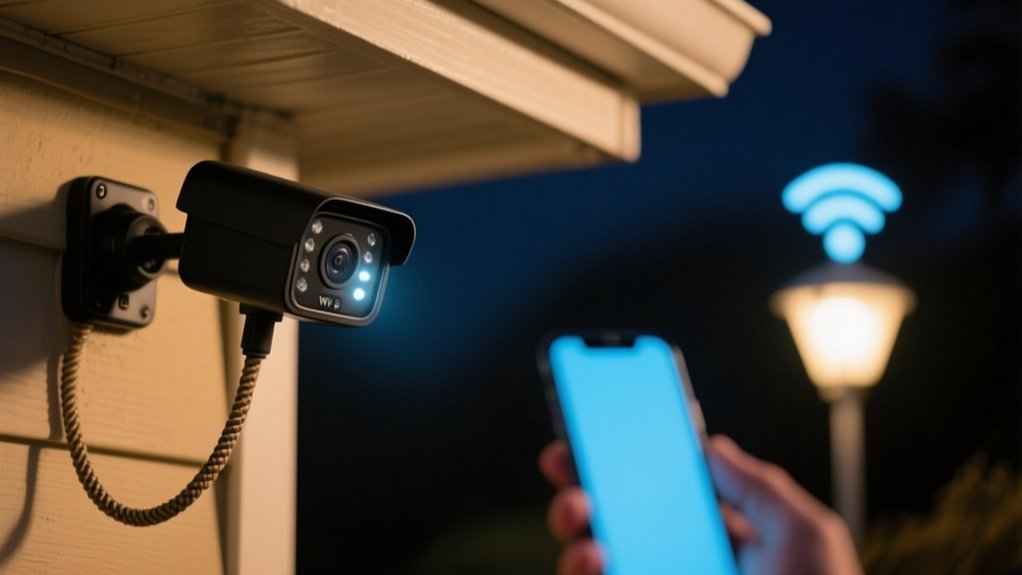
Does Ring Camera Work Without Wi-Fi
You can’t fully use a Ring camera without Wi-Fi since it relies on an internet connection for live video, two-way talk, alerts, and cloud storage. Without Wi-Fi, motion detection works locally, but you won’t receive notifications or have remote access to footage.
Live streaming stops, and your recordings won’t upload until connectivity is restored. If you want to understand how this impacts your security and investigate ways to improve or work around these limitations, keep examining the details ahead.
Key Takeaways
- Ring cameras need Wi-Fi to stream live video and send alerts; without it, remote monitoring is not possible.
- Motion detection still works locally, but notifications and cloud uploads are disabled without Wi-Fi.
- Recorded footage cannot be accessed remotely or saved to the cloud during internet outages.
- Mobile hotspots can temporarily restore Wi-Fi, but stability and data usage may vary.
- For full functionality, Ring cameras require a stable internet connection; offline use is significantly limited.
Can Ring Cameras Work Without Wi-Fi?
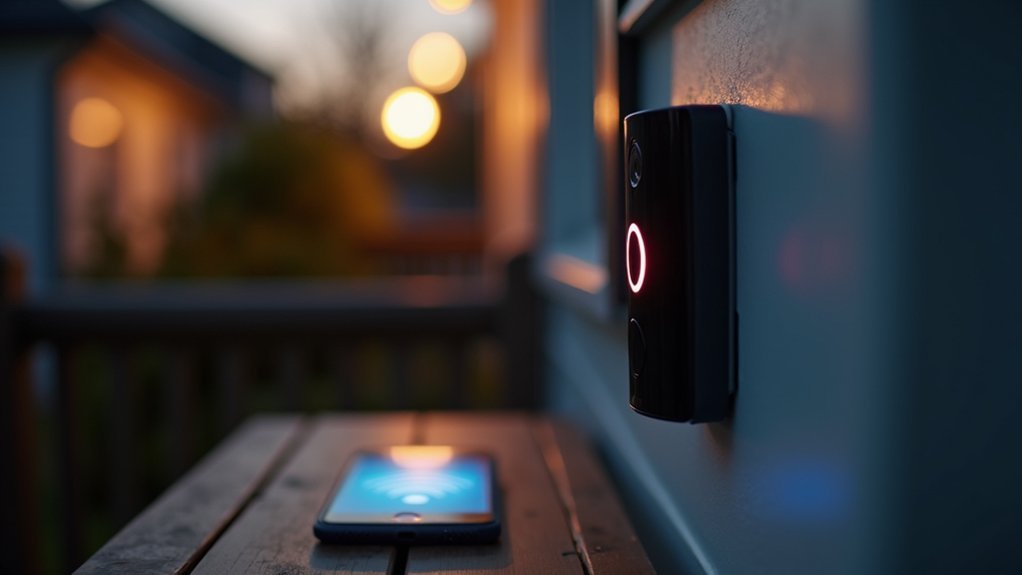
Although Ring cameras have advanced features, they can’t function properly without a stable Wi-Fi connection. If you wonder whether Ring cameras can work without WiFi, the answer is mostly no.
Ring cameras require a stable Wi-Fi connection to function effectively and deliver notifications.
These devices rely heavily on continuous internet access to stream live video, send motion alerts, and allow you to review recorded footage through the Ring app.
While motion detection continues locally, you won’t receive any notifications without Wi-Fi. Some users try mobile hotspots as a workaround, but this often results in inconsistent performance and high data consumption.
Ultimately, Ring cameras are designed to operate with an active internet connection, limiting their effectiveness offline.
How Losing Internet Affects Your Ring Camera
When your Ring camera loses internet connection, a lot of important features just stop working.
For example, you won’t be able to see live video or use two-way talk.
And without Wi-Fi, those motion alerts won’t get sent to your device, so you might miss something happening in real time.
Basically, your security coverage takes a big hit until the connection is back up and running.
Impact On Device Functionality
Because Ring cameras rely on a stable Wi-Fi connection, losing internet access greatly limits their functionality. Without internet, your Ring camera can’t provide live video feeds, send motion alerts, or upload footage to cloud storage. This severely impacts your home security system’s effectiveness by cutting off real-time monitoring and notifications.
Although motion detection still works locally, you won’t get alerts, which could cause you to miss important events. Furthermore, updates and bug fixes won’t reach your device, potentially compromising performance and security over time.
| Feature | With Wi-Fi | Without Wi-Fi |
|---|---|---|
| Live Video | Instant Access | No Access |
| Motion Alerts | Sent Immediately | No Notifications |
| Cloud Storage | Continuous Upload | No Upload |
| Device Updates | Automatic | None |
| Security Monitoring | Fully Functional | Severely Limited |
Limitations Without Connectivity
Losing your internet connection greatly limits what your Ring camera can do, stripping away key features like live video feeds, instant motion alerts, and cloud storage access.
Without connectivity, you won’t access HD video or two-way talk, which severely restricts remote monitoring capabilities.
While motion detection might still work locally, you won’t receive real-time notifications, creating critical gaps in security.
Moreover, your device can’t download updates or bug fixes without Wi-Fi, so any existing issues may persist.
These limitations mean your Ring camera’s effectiveness depends heavily on stable internet connectivity.
If you lose Wi-Fi, you’ll need alternative solutions like mobile hotspots to regain some functionality, although performance may still be limited.
Understanding these connectivity constraints helps you plan for uninterrupted security.
Effect On Security Alerts
Your Ring camera’s security alert system depends heavily on a stable internet connection. Without Wi-Fi, your device can still detect motion, but it won’t send security alerts to your phone or email, delaying your response to potential threats.
You also lose access to live video feeds remotely, which limits real-time monitoring. Additionally, recorded footage can’t upload to the cloud during outages, risking loss of critical evidence.
While the camera continues to record locally, the absence of alerts means you might miss important notifications during network downtime.
What Ring Cameras Can and Can’t Do Offline
Although Ring cameras rely heavily on a stable Wi-Fi connection to function fully, certain features like motion detection can still operate offline.
However, without Wi-Fi, your ring doorbell won’t send you real-time alerts or notifications, limiting its effectiveness.
Without Wi-Fi, your Ring doorbell cannot send real-time alerts or notifications, reducing its overall usefulness.
You won’t be able to access live video feeds or recorded footage remotely, which means remote monitoring is fundamentally disabled.
You can still view footage locally at the camera’s location, but this defeats the purpose of monitoring your property from afar.
Some advanced Ring models offer third-party storage options, but these setups still depend on internet connectivity for full functionality.
How Motion Detection Works Without Internet
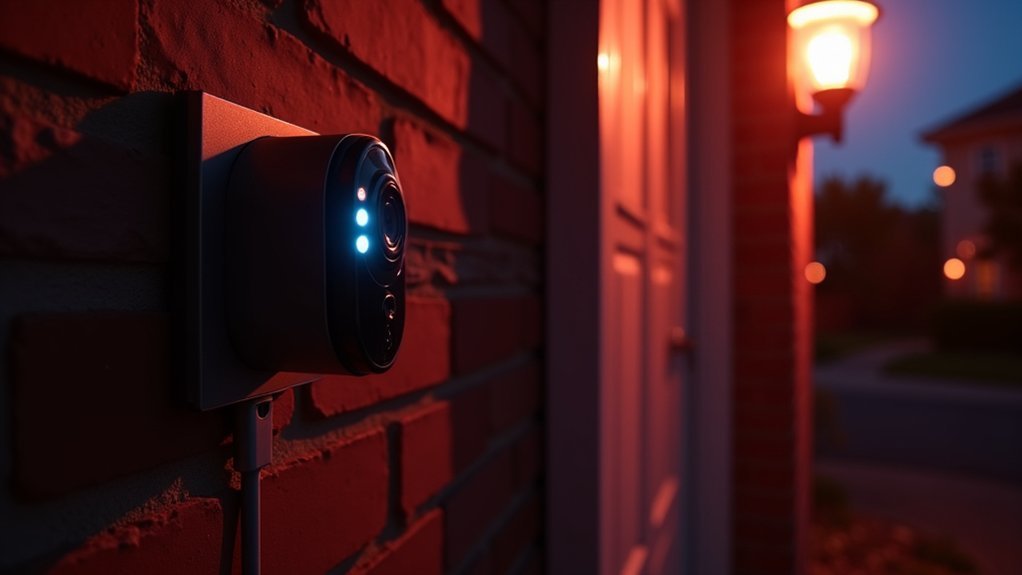
When your Ring camera loses internet connectivity, its built-in motion detection still functions independently, allowing it to sense movement nearby.
However, without a wifi connection, you won’t receive real-time alerts or notifications on your devices.
The camera can detect motion offline, but its ability to record or share footage depends on local storage options since cloud uploads require internet.
Here’s what happens with motion detection without internet:
- Motion detection remains active and senses nearby movement.
- No alerts or notifications are sent to your phone.
- Recorded footage is stored locally only if supported by your device.
- Remote monitoring via the Ring app is unavailable without wifi connection.
Thus, while basic detection works, your security monitoring effectiveness drops considerably offline.
Why Ring Cameras Can’t Send Alerts Without Wi-Fi
You can still count on your Ring camera to detect motion even if you don’t have Wi-Fi.
However, it won’t be able to send you real-time alerts without an internet connection. That’s because the camera needs to upload data to the cloud to instantly notify your device.
Internet Dependency For Alerts
Since Ring cameras depend on a stable Wi-Fi connection, they can’t send you instant motion alerts without internet access. This internet dependency is essential because the camera needs to communicate detected activity to your device in real time.
Without Wi-Fi, the system fails to notify you, which can leave your property vulnerable.
Here’s why internet connectivity matters for alerts:
- Alerts require internet to transmit motion detections to your phone.
- No Wi-Fi means no real-time monitoring through the Ring app.
- Recorded footage can’t upload to the cloud without internet.
- Interruptions in connectivity lead to missed notifications about visitors or intrusions.
In short, your Ring camera’s alert functionality hinges directly on a reliable internet connection.
Without it, you won’t receive the alerts you depend on.
Motion Detection Without Notifications
How does a Ring camera detect motion without Wi-Fi yet fail to alert you? The camera’s sensors still pick up movement. But without an internet connection, it can’t send notifications to your phone. This means you miss real-time updates and can’t respond quickly to potential threats.
| Feature | With Wi-Fi | Without Wi-Fi |
|---|---|---|
| Motion Detection | Active | Active |
| Notifications | Instant | None |
| Live Feed Access | Available | Unavailable |
| Recorded Footage Access | Available | Unavailable |
While your Ring camera senses activity, it won’t notify you without Wi-Fi. This highlights the need for a stable connection for full security functionality.
Real-Time Alert Limitations
Although your Ring camera can detect motion without Wi-Fi, it can’t send real-time alerts to your phone without an internet connection. This limitation arises because the camera depends on internet connectivity to transmit notifications instantly.
Here’s what you need to know about these real-time alert limitations:
Motion detection works locally, but alerts won’t reach your smartphone offline. Without Wi-Fi, recorded footage can’t upload to the cloud, blocking remote access. Missing real-time alerts means delayed responses to potential security threats.
Internet connectivity is essential for timely updates and intervention.
Understanding these constraints helps you realize why maintaining a stable Wi-Fi connection is important for your Ring camera’s full functionality and effective security monitoring.
Local Storage and Playback Limits Without Wi-Fi
Even without Wi-Fi, your Ring camera can still detect motion. However, it won’t save or upload any video recordings because most models rely entirely on cloud storage.
Without Wi-Fi, local storage options are extremely limited, and playback of recorded footage isn’t possible. Some advanced models support third-party local storage, but that requires extra hardware and setup. Here’s a quick breakdown:
| Feature | Status Without Wi-Fi |
|---|---|
| Motion Detection | Works |
| Video Recording | Does not save locally |
| Playback of Footage | Not accessible |
| Local Storage Availability | Very limited, needs extras |
Using Mobile Hotspots to Connect Your Ring Camera Temporarily
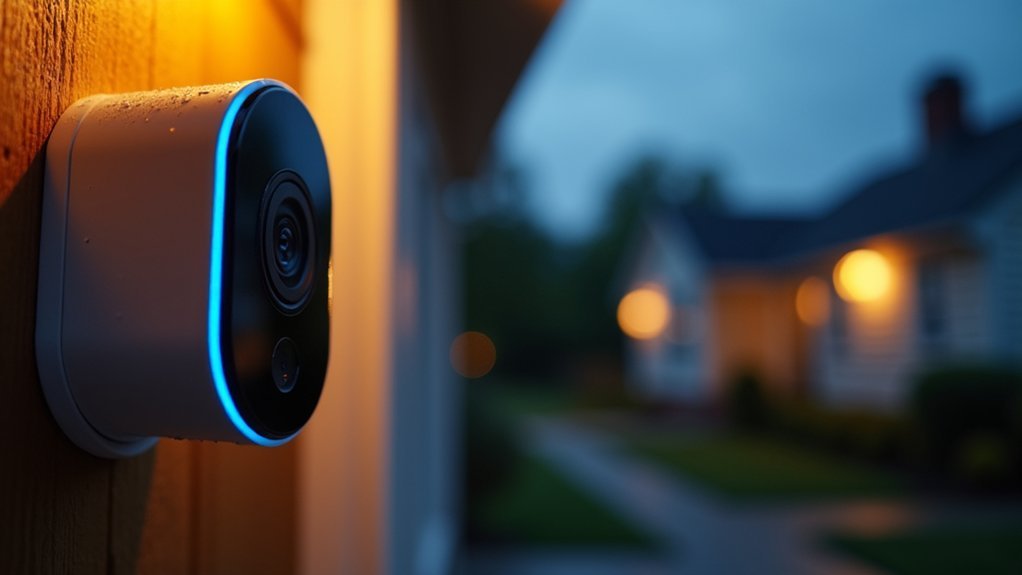
When you don’t have access to traditional home Wi-Fi, you can use a mobile hotspot to provide a temporary internet connection for your Ring camera.
This temporary Wi-Fi network allows basic functionality but comes with some considerations. Keep these points in mind:
Monitor data usage closely, as video streaming consumes significant mobile data.
Verify the mobile hotspot device stays near your Ring camera to maintain a stable connection.
Expect variable performance depending on the mobile signal strength and carrier reliability.
Be aware that some advanced Ring features may be limited compared to a standard Wi-Fi connection.
Using a mobile hotspot is a practical solution for short-term needs but may not match the consistent performance of traditional home Wi-Fi.
Setting Up Your Ring Camera With an Unstable Wi-Fi Connection
If your Wi-Fi connection fluctuates, setting up your Ring camera can become challenging since the device depends on a stable internet link for proper operation. Unstable Wi-Fi can cause setup failures, delayed notifications, and interrupted live feeds.
To improve performance, make sure your router is close to the camera and consider external power sources. Here’s a quick overview:
| Issue | Solution |
|---|---|
| Setup interruptions | Restart router, retry setup |
| Delayed motion alerts | Improve Wi-Fi signal strength |
| Poor live video quality | Move camera closer to router |
| Cloud recording failures | Check internet speed |
| Power instability | Use external battery options |
Can Wired Connections Replace Wi-Fi for Ring Cameras?
Addressing unstable Wi-Fi issues often leads users to contemplate wired connections as an alternative for their Ring cameras.
While Ethernet can offer a more stable and secure internet connection, it doesn’t replace the need for Wi-Fi or internet access entirely.
Your Ring camera still requires active internet to function fully.
Consider these points:
- Wired connections provide consistent internet access, reducing signal drops.
- Ring cameras need internet for live streaming, motion alerts, and cloud storage.
- Without internet, wired connections limit your camera’s capabilities.
- Using Ethernet helps if your Wi-Fi is weak but can’t eliminate internet dependency.
How to Boost Your Ring Camera’s Wi-Fi Signal
Although Ring cameras rely heavily on Wi-Fi, you can greatly improve their performance by boosting the signal strength. Start by placing your router closer to the camera or using a Wi-Fi extender to improve coverage.
A dedicated 2.4 GHz network often offers a more stable connection than 5 GHz for Ring devices. Avoid obstacles like metal appliances that interfere with the wifi connection. Also, reboot your router and camera regularly to clear glitches.
Upgrading to a mesh Wi-Fi system can eliminate dead zones, ensuring consistent connectivity.
| Action | Benefit | Tip |
|---|---|---|
| Reposition Router | Stronger Wi-Fi signal | Place closer to camera |
| Use Wi-Fi Extender | Extends coverage | Target weak-signal areas |
| Use 2.4 GHz Network | Better connection stability | Separate SSID for Ring |
| Avoid Metal Objects | Reduce interference | Keep distance from appliances |
| Reboot Devices | Resolve connection glitches | Schedule regular reboots |
Simple Ways to Improve Ring Camera Connection Reliability
When you want your Ring camera to perform reliably, focusing on connection stability is key. A steady connection guarantees your camera can consistently connect to the internet, providing real-time monitoring without interruptions.
To improve reliability, consider these simple steps:
Use a dedicated 2.4 GHz Wi-Fi network for a more stable connection compared to mixed bands.
Reposition your router closer to the camera to boost signal strength and reduce dropouts.
Upgrade to a newer router or mesh Wi-Fi system to eliminate dead zones around your property.
Employ a Wi-Fi extender to bridge the gap between the router and your camera for stronger connectivity.
Regularly reboot both your camera and router to clear temporary glitches and maintain peak performance.
These actions guarantee your Ring camera stays reliably connected.
Practical Tips for Keeping Your Ring Camera Secure Offline
You can totally count on your Ring camera’s built-in motion detection to keep an eye on things, even when your Wi-Fi is down. It’s pretty handy that way.
To keep things secure, you might want to think about using local power options, like an external battery or a UPS. That way, power outages won’t knock your device offline.
And if you ever need internet access for a bit, setting up a mobile hotspot can do the trick.
Just keep in mind that data limits and connection stability might be something to watch out for. That way, you’re covered no matter what!
Offline Security Features
Even without Wi-Fi, your Ring camera can still detect motion locally, providing a basic level of on-site monitoring.
However, offline security without an internet connection limits your ability to receive alerts or view live footage remotely.
To improve protection during outages, consider these practical steps:
- Use a mobile hotspot to temporarily restore connectivity and maintain real-time access.
- Invest in local recording devices or external storage compatible with your Ring camera.
- Regularly inspect power sources and connected storage to guarantee continuous operation.
- Rely on built-in motion detection for immediate, on-site event awareness.
Local Power Solutions
Maintaining continuous power supply is key to keeping your Ring camera operational during internet outages.
To guarantee your doorbell camera stays functional offline, investigate local power solutions like an Uninterruptible Power Supply (UPS) or external battery packs.
These options provide backup power when the main source fails, preventing downtime. While your Ring camera won’t upload videos or send alerts without Wi-Fi, local power solutions let you maintain basic recording and monitoring directly at the device.
Investing in reliable power backups complements your offline security strategy, especially during extended internet interruptions.
Remember, without stable power, your doorbell camera won’t capture footage regardless of network status.
Temporary Network Options
Although Ring cameras rely heavily on Wi-Fi for full functionality, you can keep your device connected during outages by setting up a temporary network using a mobile hotspot. This temporary Wi-Fi allows your camera to maintain live monitoring and alerts via mobile data.
To optimize this setup, consider these practical tips: monitor mobile data usage carefully to avoid overages during video streaming.
Verify your mobile hotspot device has a stable power supply to prevent interruptions.
Regularly update your Ring camera’s firmware for better compatibility with temporary networks.
Adjust hotspot settings to maximize signal strength and minimize latency.
Using these strategies, you can maintain your Ring camera’s security features even when your primary Wi-Fi is down.
Alternatives to Ring Cameras for Low or No Connectivity Areas
When you face low or no connectivity areas, relying on traditional Ring cameras can be challenging since they depend on Wi-Fi.
Luckily, alternatives to Ring cameras exist that suit these conditions.
Wired security cameras connected to DVRs record footage locally, eliminating the need for internet access.
Battery-operated cameras with local storage offer offline recording.
Solar-powered models sustain themselves in remote areas using energy from the sun.
Cellular security cameras provide reliable mobile data connections where Wi-Fi is unavailable, though they may incur extra costs.
Furthermore, home security systems with local monitoring hubs let you view feeds and receive alerts offline.
Frequently Asked Questions
Can Ring Cameras Record Video Locally Without Any Internet Connection?
No, Ring cameras can’t record video locally without an internet connection since they primarily rely on cloud storage.
Without Wi-Fi, your camera won’t upload footage or save videos, making local recording impossible.
While motion detection might still work, you won’t get alerts or be able to access recordings remotely.
Unless you have a specific model with third-party storage setup, you’ll need internet to fully use your Ring camera’s recording features.
How Does Power Outage Affect Ring Camera Operation?
During power outages, 60% of Ring camera users experience complete device shutdown if they lack backup power.
When your Ring camera loses power, it also loses Wi-Fi, stopping alerts and video streaming.
To keep your camera running, you should use a battery backup, UPS, or solar power.
Without these, your camera won’t record or send notifications, severely limiting your home security when you need it most.
Are Ring Camera Features Limited by Smartphone Type or OS?
Yes, Ring camera features can be limited by your smartphone type or OS.
Older devices or those with less processing power may experience delays, reduced video quality, or limited app functionality.
Both iOS and Android support the Ring app, but outdated models mightn’t run it smoothly.
To get the best experience, make sure your phone meets the Ring app’s minimum requirements and keeps its software updated for peak performance.
Can Multiple Ring Cameras Share One Wi-Fi Network Effectively?
Yes, you can effectively connect multiple Ring cameras to one Wi-Fi network if your router can handle the bandwidth and traffic.
Using a 2.4 GHz network is best since it offers better range and wall penetration.
Make sure your Wi-Fi signal is strong where cameras are placed.
If you experience issues, consider upgrading to a mesh network or adding extenders to keep all cameras connected smoothly without interruptions.
Is It Possible to Sync Ring Cameras With Other Smart Home Devices Offline?
No, you can’t sync Ring cameras with other smart home devices offline. They rely on a stable Wi-Fi connection to communicate and coordinate actions.
Without internet, your Ring cameras won’t send or receive data, so features like automation and remote control won’t work.
To maintain proper integration and real-time syncing, guarantee all your devices are connected to the same Wi-Fi network.
Offline syncing simply isn’t supported.
Conclusion
While Ring cameras need Wi-Fi to send alerts and stream video, they can still record locally during outages. Imagine you’re on a weekend getaway with spotty internet; your Ring camera continues detecting motion but won’t notify you until you’re back online.
To get the most reliable security, boosting your Wi-Fi or exploring alternatives like cellular-connected cameras can keep you covered even when your internet falters.