Does the Nest Thermostat Have a Camera?
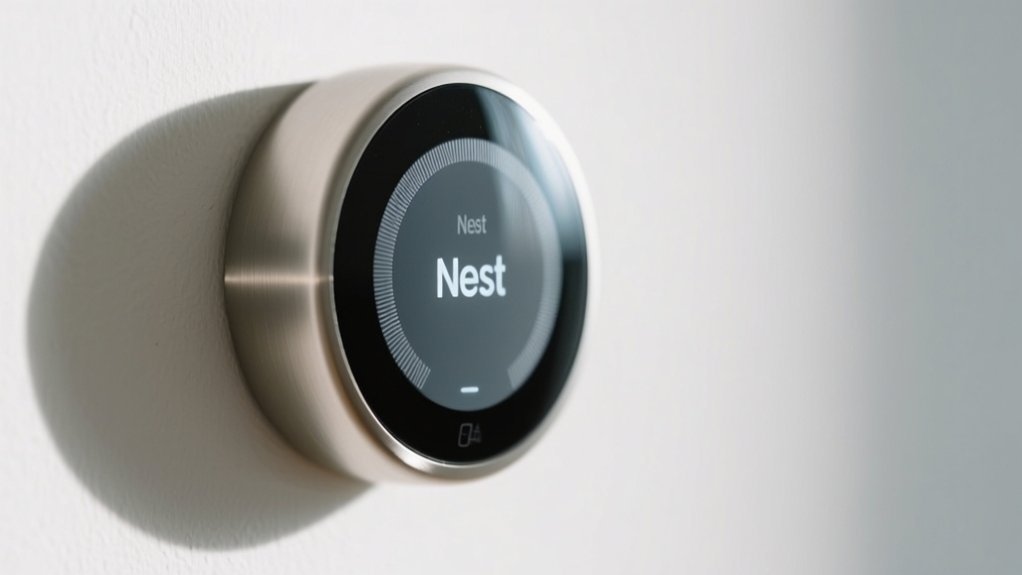
The Nest Thermostat does not have a built-in camera because it’s designed specifically for managing your home’s temperature and energy use, not video surveillance. If you want security cameras, Nest offers separate devices like Nest Cam Indoor and Nest Hub Max with cameras built-in.
While the thermostat can detect motion to adjust heating or cooling, it doesn’t record or stream video. You’ll find the best setup by understanding how these devices work together and complement each other.
Key Takeaways
- The Nest Thermostat does not include a built-in camera and is focused solely on temperature control and energy management.
- Nest cameras, such as Nest Cam Indoor and Nest Cam Outdoor, are separate devices designed specifically for video surveillance.
- The thermostat and Nest Cams share presence data but the thermostat itself does not record or capture video.
- Presence detected by the thermostat can influence camera modes but does not involve any camera functionality within the thermostat.
- For video monitoring, users need to install dedicated Nest cameras, as the thermostat does not provide any camera features.
What the Nest Thermostat Does and Why It Has No Camera
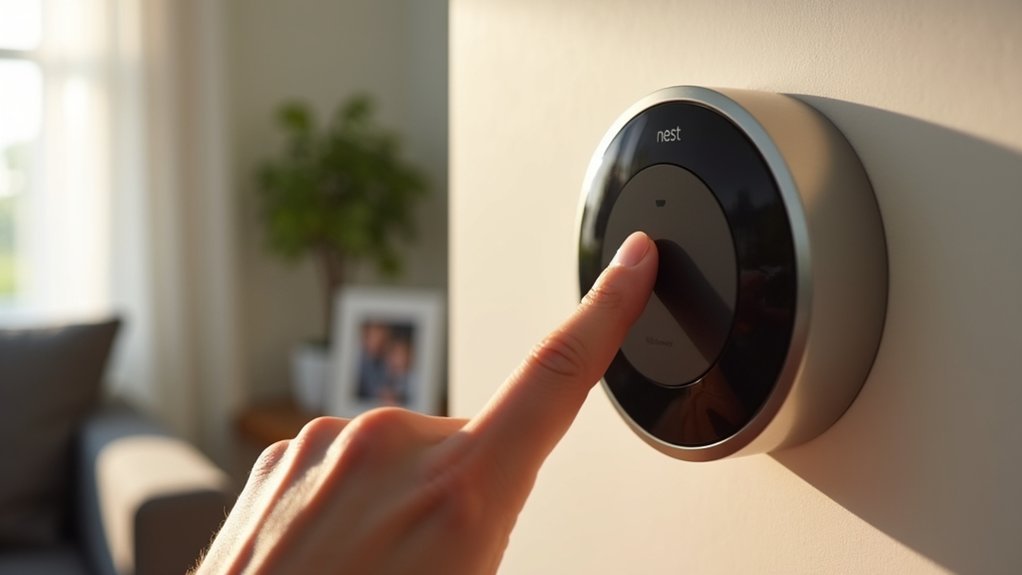
The Nest Thermostat focuses on managing your home’s climate rather than surveillance, which is why it doesn’t include a camera.
As a smart device, it lets you control your heating and cooling remotely and tracks energy usage to optimize efficiency. Using sensors and algorithms, the Nest Thermostat learns your preferences and adjusts schedules automatically, enhancing comfort while conserving energy.
Because its primary goal is temperature management, adding a camera wouldn’t align with its function. Instead, Nest offers other products specifically designed for security and video monitoring.
When you use the Nest Thermostat, you’re getting a focused smart device dedicated to climate control, not surveillance, ensuring your home stays comfortable and energy-efficient without compromising privacy through video recording.
Which Nest Devices Include Built-In Cameras
Curious which Nest devices come equipped with built-in cameras? If you’re looking for Nest’s camera options, you’ll want to investigate their dedicated security lineup.
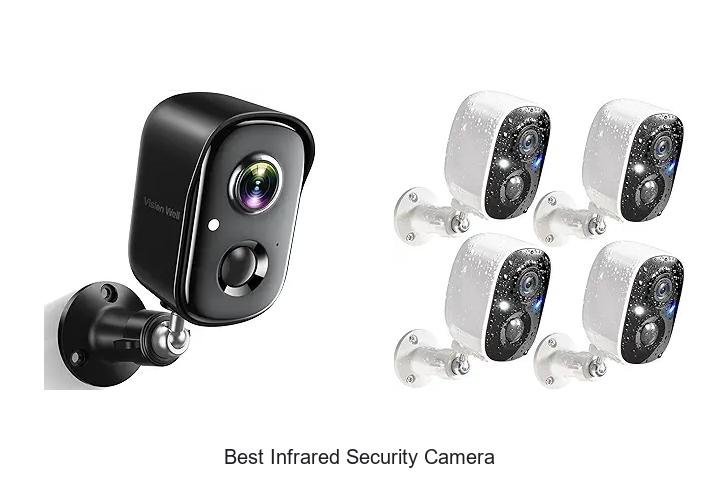
The Nest Cam Indoor and Nest Cam Outdoor are specifically designed for surveillance, providing clear video footage whether inside or outside your home. These devices focus solely on monitoring and security, unlike the Nest Thermostat, which doesn’t include any camera.
Alongside these, Nest also offers the Nest Hello video doorbell and the Nest Hub Max, both featuring cameras for communication and facial recognition, respectively.
If your priority is home security or monitoring, the Nest Cam Indoor and Nest Cam Outdoor are your go-to options, ensuring you get reliable video coverage without compromising the thermostat’s energy management function.
How Nest Cameras Differ From the Nest Thermostat
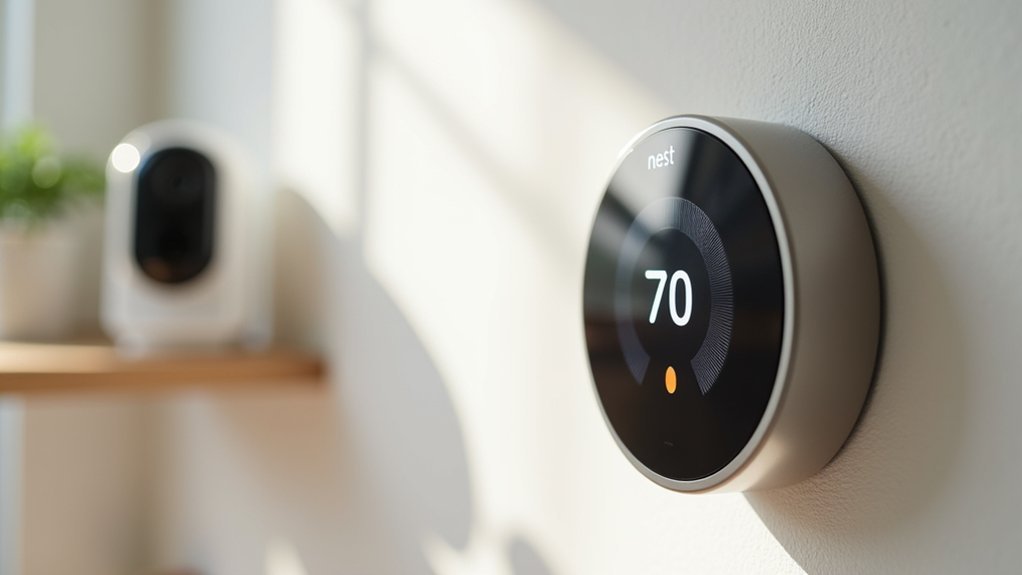
While Nest cameras are built to capture and stream video for security and monitoring, the Nest Thermostat serves a different purpose focused on managing your home’s temperature efficiently.
The Nest Thermostat doesn’t have a built-in camera, unlike Nest Cameras designed specifically for video surveillance.
Here’s how they differ:
- Nest Cameras provide real-time video streaming, motion detection, night vision, and two-way audio.
- The Nest Thermostat focuses solely on temperature regulation and energy savings.
- Nest Cameras activate in Away mode for security, but the Nest Thermostat adjusts settings based on occupancy and temperature preferences detected through sensors.
- The Nest Thermostat features an intuitive interface for temperature control, which contrasts with Nest Cameras’ specialized monitoring functions.
Understanding these distinctions helps you choose the right device for your home’s needs.
Interaction Between Nest Thermostat and Nest Cameras
While the Nest Thermostat itself doesn’t have a camera, it works closely with Nest Cameras to manage your Home/Away settings.
It’s pretty interesting how they communicate to keep things running smoothly.
However, you should know that the thermostat’s presence detection can sometimes interfere with the cameras switching to Away mode, even if no one is actually home.
This little interaction can create conflicts that might affect how your security system responds to your real presence.
Thermostat Camera Integration
How does the Nest Thermostat interact with Nest Cameras despite lacking a built-in camera?
While the Nest Thermostat doesn’t include a camera, it influences your security cameras through its motion sensing and home/away status detection. This interaction can affect how your cameras operate, especially in switching between home and away modes.
Here’s what you should know:
- The Nest Thermostat detects movement and can prevent security cameras from entering Away mode if it senses activity.
- This can cause confusion in camera status, as the thermostat’s activity may signal the system that someone is home.
- Although the thermostat optimizes energy use, it doesn’t directly control camera functions but indirectly impacts their operational modes.
Understanding this integration helps you manage your smart home security effectively.
Presence Sensing Impact
The Nest Thermostat’s ability to sense presence directly affects how Nest Cameras behave, especially regarding their activation during Home and Away modes.
When the thermostat detects movement, it can prevent cameras from switching off, keeping them active even if you’ve left the house.
This interaction sometimes conflicts with your intended security settings, as cameras remain on despite Away mode activation. You might notice that the thermostat’s activity sensing overrides the cameras’ ability to deactivate, raising concerns about accurate home presence detection.
Understanding how your thermostat and cameras communicate helps you manage this interaction better.
If you want to maintain your cameras’ Away mode despite detected motion, you’ll need to examine settings or workarounds that separate thermostat presence sensing from your security camera controls.
Home/Away Mode Conflicts
Because the Nest Thermostat detects activity inside your home, it can unintentionally keep Nest Cameras active even when you’ve set them to turn off in Away mode.
This happens because the thermostat’s presence sensing can override the camera’s Home/Away routine, leading to conflicts.
Understanding this interaction helps you manage your smart devices better:
- Nest Cameras are supposed to activate only when all shared users leave, marking Away mode.
- If the Nest Thermostat senses movement, it may signal someone is home, preventing cameras from turning off.
- This can cause confusion, as the system thinks you’re present, even if you’re away.
How Home/Away Mode Affects Thermostats and Cameras
Even if everyone leaves the house, the Nest Thermostat can detect activity that keeps your Nest cameras from switching off in Away mode.
This interaction means that even when all shared users exit, thermostat-triggered activity might keep cameras active, overriding the intended Home/Away mode settings.
When the first person returns, Nest cameras typically deactivate in Home mode, but ongoing thermostat activity can cause conflicts, delaying camera shutdown.
Understanding how Nest’s Home/Away mode coordinates between thermostats and cameras is essential to avoid these unintended overrides.
If you want your system to function seamlessly, you need to take into account how thermostat sensors influence camera behavior.
This ensures your Nest devices respond accurately to occupancy changes without compromising security or energy efficiency.
Common Questions About Nest Thermostat and Camera Integration
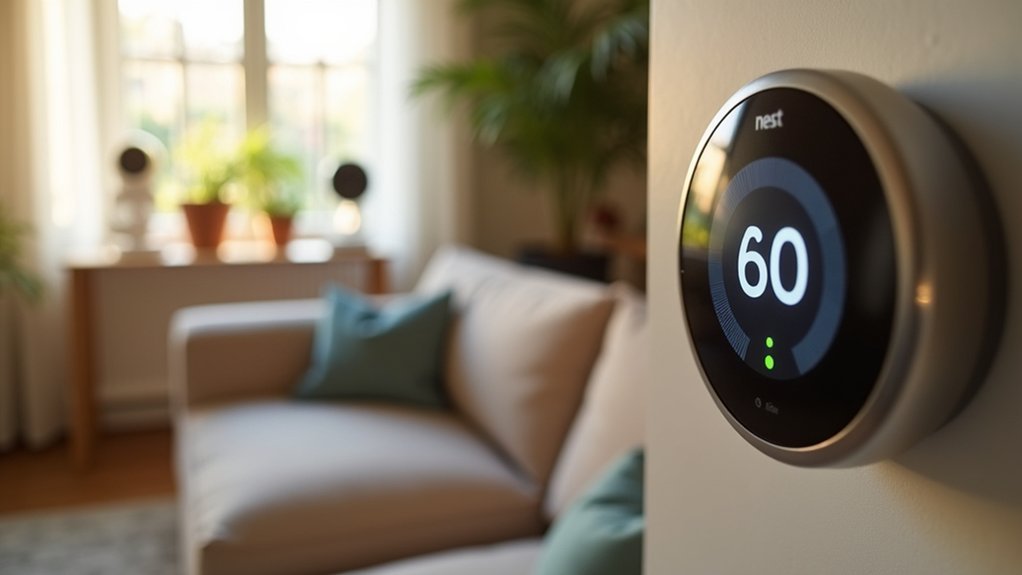
You might be wondering how the Nest Thermostat’s activity detection impacts your Nest cameras, especially since the thermostat doesn’t actually have a camera.
It’s a good question! Understanding how these devices talk to each other can clear up any confusion about how Home/Away mode works and how your cameras operate.
Nest Thermostat Camera Features
While the Nest Thermostat itself doesn’t include a camera, it works seamlessly with other Nest devices that do, such as security cameras. As part of the smart Nest products ecosystem, the thermostat improves your home automation without direct camera functionality.
Here’s what you should know about its camera-related features:
- The thermostat uses built-in sensors to detect activity, influencing when connected cameras remain active or switch off in Away mode.
- It relies on the Nest app to let you manage both thermostat and camera settings separately, without embedding camera controls within the thermostat itself.
- Although it interacts with cameras for presence detection, the thermostat has no capability to capture or stream video.
This distinction clarifies the thermostat’s role in your smart home, focusing on temperature control while complementing Nest’s security devices.
Device Interaction Clarifications
Understanding how the Nest Thermostat and Nest Cam work together can clear up common questions about their interaction.
The Nest Thermostat doesn’t have a built-in camera; it focuses solely on temperature control and energy management.
The Nest Cam is a separate device providing video monitoring and security but can interact with the thermostat through presence sensing. For example, when all users leave, the Nest Cam switches to Away mode, while the thermostat may still detect activity, sometimes keeping the cameras powered on.
This causes confusion about how Home/Away modes function and whether the thermostat affects camera operation. Knowing these devices operate independently but share presence data helps you manage settings effectively and avoid misunderstandings about their integration and behavior.
Alternatives for Combining Temperature Control and Video Monitoring
Although the Nest Thermostat doesn’t include a built-in camera, you can easily combine temperature control with video monitoring by integrating a separate Nest Cam.
By using multiple Nest devices, you create a smart home system that manages both comfort and security seamlessly. Here are key alternatives to evaluate:
Combining Nest devices lets you effortlessly manage home comfort and security in a unified smart system.
- Set routines where the Nest Thermostat adjusts temperature based on motion detected by the Nest Cam, optimizing energy use when no one’s home.
- Receive real-time alerts from the Nest Cam on your phone, enhancing security alongside the thermostat’s energy-saving features.
- Control both devices through the unified Nest app, simplifying management of temperature and video in one place.
This integration utilizes Nest’s ecosystem for efficient, automated home monitoring and climate control.
Choosing the Right Nest Devices for Your Smart Home
How do you decide which Nest devices best fit your smart home needs? Start by identifying your priorities: climate control, security, or both.
The Nest Thermostat excels in managing your home’s heating and cooling efficiently, but it doesn’t have a camera.
If video monitoring is essential, consider adding Google Nest Cams or the Nest Hello doorbell. These devices complement the thermostat by providing real-time video surveillance.
Using the Nest app, you can seamlessly control and integrate all your devices, creating a unified smart home system.
For energy savings and security, pairing the Nest Thermostat with compatible cameras offers a holistic solution.
Choose devices based on your lifestyle and desired functionalities to optimize comfort, safety, and energy efficiency in your smart home.
Tips to Optimize Nest Thermostat and Camera Use Together
When you pair your Nest Thermostat with a Nest Cam, syncing both devices within the Google Home app guarantees smooth interaction and control.
To optimize their combined use, focus on settings and updates that improve functionality without conflict.
- Disable motion detection on the Nest Thermostat for presence sensing to prevent it from interfering with your Nest Cam IQ’s Home/Away modes.
- Regularly update the firmware on both devices to verify compatibility and access to the latest features.
- Use the Google Home app to monitor activity status across devices, verifying your Nest Cam IQ switches correctly between monitoring modes based on actual presence.
Frequently Asked Questions
Can the Nest Thermostat Record Audio or Video Through Any App?
No, the Nest Thermostat can’t record audio or video through any app. It’s built solely for managing your home’s climate and energy use.
While the Nest app lets you control the thermostat remotely, it doesn’t include any features for audio or video recording.
If you want video or audio monitoring, you’ll need a different device, like a Nest Cam, which is designed specifically for that purpose.
Is It Possible to Add a Camera to the Nest Thermostat Later?
You can’t add a camera to the Nest Thermostat later because the device isn’t designed for hardware expansion.
Integrating a camera directly just isn’t possible.
However, you can improve your smart home by pairing separate Nest cameras through the Nest app.
This lets you control both your thermostat and cameras seamlessly, keeping things convenient without affecting the thermostat’s core functions.
Does the Nest Thermostat Support Facial Recognition Features?
No, the Nest Thermostat doesn’t support facial recognition features. Since it lacks a camera, it can’t identify individuals or analyze faces.
Instead, it uses sensors to detect occupancy and adjust temperature efficiently.
If you’re looking for facial recognition capabilities, you’d want to investigate other Nest products like the Nest Cam, which is designed for monitoring and can recognize faces.
The thermostat focuses solely on climate control.
Can the Nest Thermostat Stream Live Video From Other Devices?
Yes, you can stream live video from other Nest devices through the Nest Thermostat if they’re connected via the Nest app.
While the thermostat itself doesn’t have a camera, it integrates with Nest Cams, letting you view their live feeds on its display.
This setup lets you monitor your home’s video streams conveniently while adjusting your climate settings, combining comfort and security in one interface.
Are There Privacy Concerns Specific to the Nest Thermostat Without a Camera?
You don’t need to worry about camera-related privacy issues with the Nest Thermostat since it lacks one.
However, it does collect usage and temperature data, so you should review its privacy policies to understand data handling.
While this info helps optimize energy use, it’s important you stay aware of how your data is stored and shared to maintain your privacy comfort.
Conclusion
While the Nest Thermostat doesn’t have a camera, it works hand in hand with Nest cameras to create a smarter home experience. Think of them as teammates rather than rivals, each excelling in its role: temperature control or security.
By understanding their unique strengths and how they interact, you can craft a seamless system that keeps both your comfort and safety in check. After all, a well-rounded smart home is more than just one device; it’s the perfect harmony of many.