What Is Aperture in a Camera?
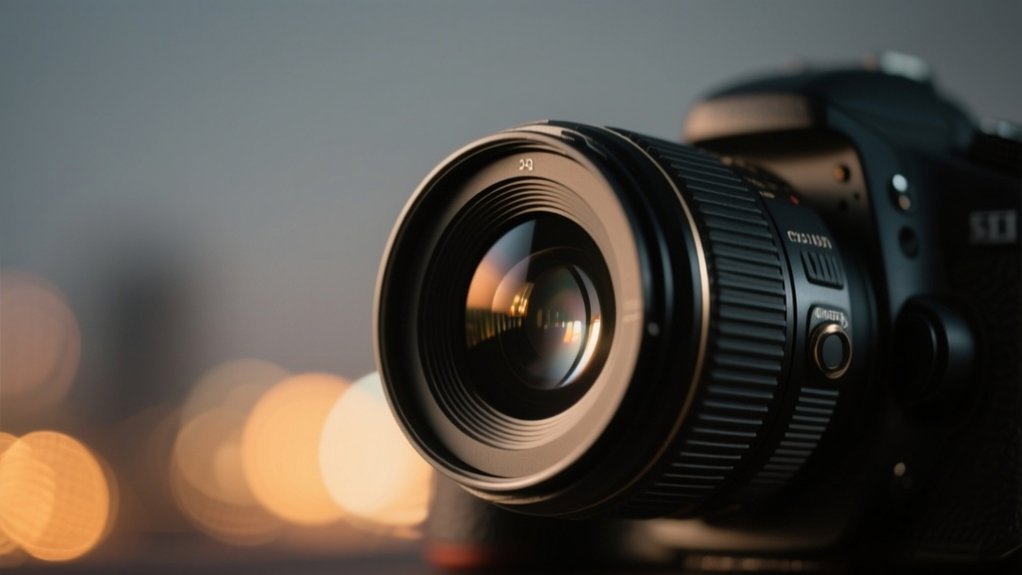
Aperture is the adjustable opening in your camera lens that controls how much light hits the sensor, measured in f-stops like f/2.8 or f/16. Lower f-stop numbers mean larger openings, letting in more light and creating a shallow depth of field. Higher numbers reduce light and increase focus range.
You control exposure and image sharpness by selecting the right aperture. It’s perfect for shaping brightness and focus. Investigate further to master its creative and technical effects.
Key Takeaways
- Aperture is the adjustable opening in a camera lens that controls the amount of light entering the camera.
- It is measured in f-stops, with lower f-numbers indicating larger openings and more light intake.
- Aperture size directly affects exposure by regulating light hitting the camera sensor.
- Larger apertures create a shallow depth of field, isolating subjects with blurred backgrounds.
- Smaller apertures increase depth of field, keeping more of the scene sharply focused.
What Is Aperture and How It Works
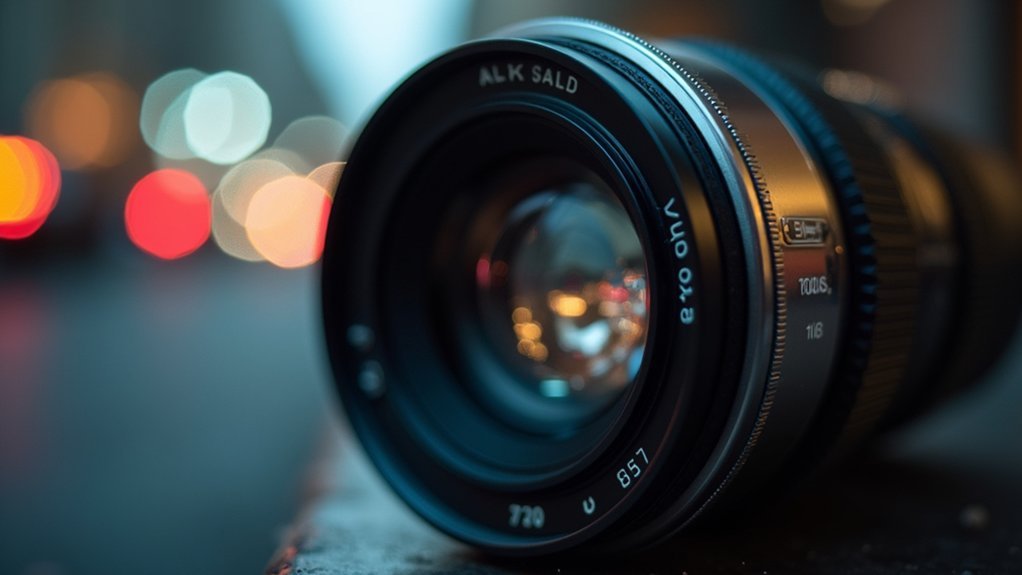
Aperture is the adjustable opening within your camera lens that controls how much light reaches the sensor, measured in f-stops like f/2.8 or f/22. This opening is formed by blades inside the lens, which expand or contract to vary the aperture size.
A larger aperture (lower f-stop) allows more light to enter, enabling you to shoot in darker settings and achieve a shallow depth of field, isolating your subject. Conversely, a smaller aperture (higher f-stop) restricts light, increasing the depth of field, which is ideal for images requiring broad focus, such as landscapes.
Larger apertures brighten images and blur backgrounds; smaller apertures enhance focus across the scene.
Understanding your lens’s maximum aperture helps optimize exposure, balancing it with shutter speed and ISO.
Mastering aperture is essential in photography, as it directly influences image sharpness, depth of field, and overall exposure control.
How Aperture Controls Exposure and Brightness
When you adjust the size of the lens opening, you directly control how much light hits the camera sensor. This, in turn, determines your image’s exposure and brightness. Aperture, measured in f-stops, ranges from large apertures like f/1.4 that admit maximum light to small apertures such as f/22 that restrict light.
Changing aperture by one full f-stop halves or doubles light exposure, affecting brightness and necessary shutter speed. For example, a large aperture allows you to use faster shutter speeds in low light, maintaining correct exposure.
| Aperture (f-stop) | Light Allowed |
|---|---|
| f/1.4 | Maximum (Bright) |
| f/5.6 | Moderate |
| f/22 | Minimal (Dim) |
Adjusting aperture precisely controls exposure and brightness in diverse lighting.
How Aperture Shapes Depth of Field in Your Photos
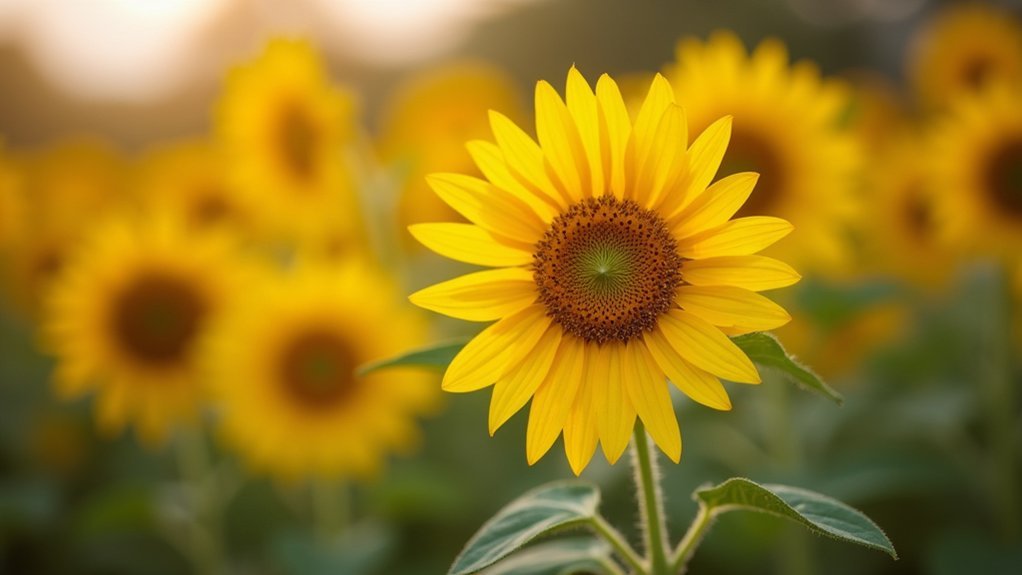
You control depth of field primarily through aperture size.
So, when you use larger apertures like f/1.4, you get a shallow focus that really makes your subject stand out. On the other hand, smaller apertures like f/16 help extend sharpness across the whole scene.
This means you can easily switch between that portrait-style subject isolation and a landscape-style broad focus.
Aperture Size Effects
Although many factors influence image sharpness, aperture size plays an essential role in controlling depth of field. When you select a large aperture (e.g., f/1.4), you reduce depth of field, producing a shallow depth of field that isolates your subject with a blurred background. This enhances bokeh effects, which are ideal for portrait photography.
Conversely, using small apertures (e.g., f/22) increases depth of field, keeping more of your scene sharply focused. This is perfect for landscape photography where detail across the frame is important.
Remember, aperture size interacts with exposure settings and ISO to balance light intake. Moreover, subject distance affects depth of field; closer subjects yield shallower focus at any aperture.
Mastering aperture size empowers you to control focus precisely, aligning your photography with creative intent.
Shallow Versus Deep Focus
Since aperture size directly controls how much of your image stays in focus, mastering its effects lets you choose between shallow and deep focus with precision.
Large apertures (low f-stop values like f/1.4) produce a shallow depth of field, isolating your subject by blurring backgrounds. This is ideal for portrait photography.
Conversely, small apertures (high f-stop values such as f/22) expand depth of field, keeping foreground to background sharp. This is essential in landscape photography.
You must also consider subject distance and focal length. Closer subjects combined with large apertures intensify shallow focus, while longer focal lengths compress depth of field further.
Adjusting aperture, subject distance, and focal length together enables you to control how much of your scene remains sharp. This allows precise visual storytelling through selective focus or thorough clarity.
Practical Aperture Applications
Mastering aperture control lets photographers shape depth of field to suit specific creative and technical goals.
Using a large aperture, such as f/1.4, produces a shallow depth of field that isolates your subject with pleasing bokeh. This is ideal for portraits.
Conversely, a small aperture like f/22 expands depth of field, keeping more of the scene sharply in focus. This suits landscapes.
Remember, depth of field also depends on subject distance and focal length. Closer subjects yield shallower depth regardless of aperture.
To maximize sharpness and reduce optical aberrations, work near your lens’s sweet spot, typically between f/4 and f/8, rather than at the maximum aperture.
Balancing aperture with subject distance and focal length guarantees you achieve the precise depth of field effect you want.
Understanding Aperture F-Stops: Why Lower Numbers Are Larger Openings
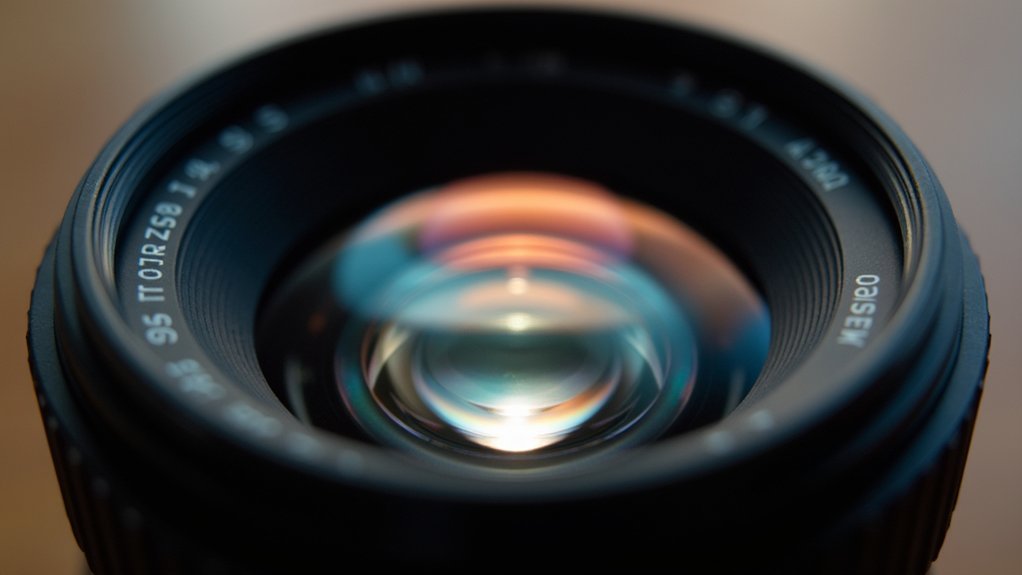
When you adjust the aperture using f-stops, you’ll notice that lower f-stop numbers correspond to larger lens openings that let in more light, which might seem counterintuitive at first.
Aperture is measured inversely; for example, f/1.4 is a larger opening than f/2, allowing greater light intake.
Each full f-stop change doubles or halves the light reaching the sensor, directly affecting exposure.
Larger openings (lower f-stops) produce a shallower depth of field, isolating subjects, while smaller apertures (higher f-stops) increase depth of field, enhancing background detail.
Understanding f-stops also helps you find the lens’s sweet spot, typically two to three stops narrower than maximum aperture, where ideal sharpness and image quality are achieved.
Mastering this relationship controls both exposure and depth of field precisely.
Setting Aperture for Portraits, Landscapes, and Low-Light Shots
Three fundamental aperture settings can dramatically influence your results depending on the shooting scenario: portraits, landscapes, and low-light conditions.
For portraits, choose a large aperture (e.g., f/1.8 to f/2.8) to achieve a shallow depth of field, isolating your subject with smooth bokeh.
Landscapes demand a small aperture (f/8 to f/16) to maximize depth of field, keeping both foreground and background sharply focused.
For landscapes, use a small aperture like f/8 to f/16 to keep everything in sharp focus.
In low-light situations, use the maximum aperture (f/1.4 to f/2.8) to allow more light, enabling a fast shutter speed and minimizing motion blur.
However, large apertures may introduce optical aberrations, so identify your lens’s best aperture to balance sharpness and brightness.
Adjusting aperture precisely according to light conditions guarantees you control exposure and depth of field effectively.
How to Adjust Aperture on Your Camera for Different Situations
You’ll want to begin by switching your camera to Aperture Priority mode, often labeled as Av. This mode is great because it lets you pick the f-stop, while the camera takes care of adjusting the shutter speed automatically. Pretty handy, right?
Next, just use the control dial to choose the aperture that fits your shooting situation. For example, go for wider apertures if you’re working in low light or shooting portraits.
On the other hand, smaller apertures work better for landscapes where you want more depth of field.
Oh, and one more thing to keep an eye on—make sure you know your lens’s maximum aperture range, especially when you’re zooming in or out. This helps you keep your exposure consistent throughout your shoot.
Selecting Aperture Modes
Although adjusting aperture might seem complex at first, selecting the right aperture mode on your camera simplifies controlling depth of field and exposure.
Use Aperture Priority mode (Av) when you want to set a specific aperture value; the camera then automatically adjusts shutter speed to maintain proper exposure. This is especially useful when balancing a larger aperture for low-light or a smaller aperture in bright conditions.
In Manual mode (M), you gain full control, independently setting both aperture and shutter speed, which requires a solid understanding of the Exposure Triangle: aperture, shutter speed, and ISO.
Knowing your lens’s maximum aperture and minimum aperture is essential, as prime lenses often offer wider apertures, granting more creative flexibility in controlling exposure and depth of field.
Adjusting Aperture Settings
When adjusting aperture settings on your camera, start by switching to Aperture Priority mode (Av or A). This lets you select the f-stop while the camera automatically adjusts shutter speed to maintain proper exposure.
To maximize light reaching the sensor in low-light conditions, choose larger apertures like f/1.4 or f/2.8. This enables faster shutter speeds and minimizes motion blur.
For landscapes requiring extensive depth of field, select small apertures such as f/8 to f/16 to keep foreground and background sharp. Remember, the lens used impacts your aperture range. Prime lenses typically offer a wider maximum aperture than zoom lenses.
In Manual mode, adjust aperture and shutter speed independently to balance exposure and creative intent precisely. This lets you tailor your settings to the scene’s lighting and desired depth of field effects.
Aperture’s Impact on Image Sharpness and Lens Performance
Aperture plays a critical role in determining image sharpness and overall lens performance. When you adjust the aperture, you directly influence the lens’s ability to deliver crisp, clear images. Extremely wide apertures (low f-numbers) increase light intake but can reduce sharpness due to optical imperfections.
Conversely, very small apertures may cause diffraction, softening details. To enhance image sharpness, you should seek the lens’s sweet spot, typically two stops narrower than the maximum aperture.
Consider these key points:
- Ideal sharpness usually occurs between f/4 and f/8.
- Wide apertures increase light intake but may compromise sharpness.
- Smaller apertures increase depth of field, enhancing focus across the scene.
- Diffraction at very high f-numbers (e.g., f/22) can reduce overall clarity.
Balancing aperture settings guarantees superior lens performance and image sharpness.
Frequently Asked Questions
How Does Aperture Affect Bokeh Quality in My Photos?
Aperture directly controls bokeh quality by adjusting the depth of field and shape of out-of-focus highlights. When you use a larger aperture like f/1.4 or f/2, you get a shallower depth of field, producing smoother, creamier bokeh with better subject separation.
Moreover, lenses with more aperture blades create rounder, more pleasing bokeh shapes.
Can Aperture Influence Lens Flare and Ghosting Effects?
You might love those pesky lens flares ruining your shots, but yes, aperture definitely influences them.
Wider apertures let more light in, increasing flare and ghosting from bright sources.
Smaller apertures reduce these artifacts by limiting internal reflections.
Also, the number and shape of aperture blades shape flare appearance.
What Is the Relationship Between Aperture and Shutter Speed?
The relationship between aperture and shutter speed is inverse and directly tied to exposure.
When you widen the aperture (lower f-number), more light hits the sensor. So, you can use a faster shutter speed to prevent motion blur.
Conversely, narrowing the aperture (higher f-number) reduces light. This requires a slower shutter speed to maintain exposure.
You must adjust one as you change the other to keep your image properly exposed and sharp.
How Does Aperture Interact With ISO Settings in Photography?
Aperture directly influences ISO settings by controlling how much light enters your camera.
When you open the aperture wider (lower f-number), you allow more light, letting you use a lower ISO for cleaner images with less noise.
If you close down the aperture (higher f-number), you reduce light, so you often need a higher ISO to maintain exposure.
Adjusting both jointly guarantees ideal exposure and image quality in varying lighting conditions.
Are There Creative Uses of Aperture Beyond Exposure and Focus?
Yes, you can creatively use aperture beyond exposure and focus. By selecting wide apertures, you create bokeh that highlights your subject and blurs distractions, enhancing composition.
You can evoke moods, creating intimacy with shallow depth or a sense of vastness with deep focus. Slightly stopping down sharpens texture and detail without causing diffraction.
Also, wider apertures let you use faster shutter speeds, freezing motion crisply. This control helps you craft compelling, dynamic images intentionally.
Conclusion
Remember, “the devil is in the details,” and mastering aperture is key to capturing those details perfectly. By controlling the size of your lens opening, you directly influence exposure, depth of field, and sharpness.
Whether shooting portraits, landscapes, or low-light scenes, adjusting aperture lets you tailor your images precisely. Understanding and manipulating aperture settings empowers you to achieve technically sound, visually compelling photos every time.
Keep practicing; your camera’s aperture is your creative tool.