What Camera Features Does the MacBook Air Have?
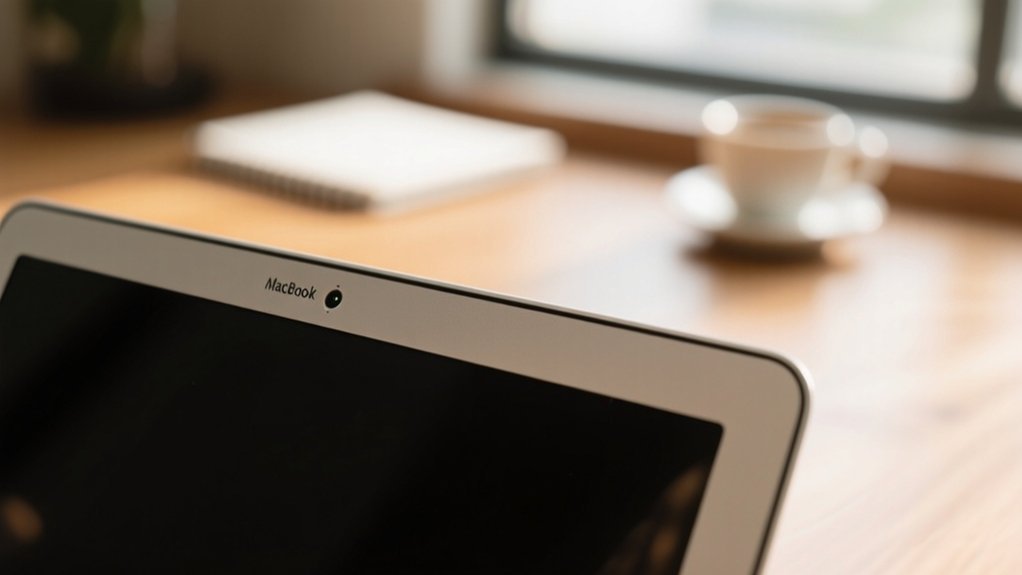
You get a powerful 12MP Center Stage camera on the MacBook Air, delivering sharp, full HD video with vibrant colors and improved clarity. Its advanced image processing reduces noise and adapts to various lighting conditions, while intelligent framing keeps you centered during calls.
Privacy is prioritized with a green indicator light signaling camera use. Plus, features like Desk View boost your professional presentations. Investigate further to see how these camera improvements can raise your video experience.
Key Takeaways
- The MacBook Air features a 12MP Center Stage camera for sharp, detailed images and video in full HD (1080p) resolution.
- It uses an advanced image signal processor to enhance visual quality and reduce noise in various lighting conditions.
- Center Stage functionality intelligently frames and tracks users during video calls for dynamic, engaging video.
- A green indicator light signals when the camera is active, ensuring user privacy and preventing unauthorized access.
- The Desk View feature allows users to showcase their workspace alongside their face during video communications.
MacBook Air Camera Specifications

The MacBook Air comes equipped with a 12MP Center Stage camera that delivers sharp, detailed images and supports full HD video recording for vibrant video calls. This camera integrates an advanced image signal processor, enhancing visual quality across varying lighting conditions so you can maintain a professional appearance regardless of your environment.
The Center Stage camera intelligently adjusts the framing, keeping you centered during video calls, which makes interactions feel more natural and engaging.
Moreover, the MacBook Air features a green indicator light above the display that activates whenever the camera is in use, providing a clear privacy signal.
MacBook Air Camera Video Quality and Recording Features
You’ll really appreciate the MacBook Air’s 12MP camera. It captures sharp, detailed video in full HD resolution, so everything looks crisp and clear.
Plus, its advanced video processing helps reduce noise and improve clarity, making sure your recordings look polished no matter the lighting.
All these features come together to deliver smooth, high-quality video—perfect for calls and content creation alike.
12MP Resolution Details
Boasting a 12MP camera, the MacBook Air delivers sharp, full HD video recording that improves your video calls and recordings with vivid clarity. This camera system supports advanced computational video capabilities, ensuring excellent detail and color accuracy.
During video conferencing, the green light indicator activates, signaling the camera is in use for your security. The table below highlights key MP resolution details:
| Feature | Description |
|---|---|
| Resolution | 12MP |
| Video Quality | Full HD (1080p) |
| Image Processing | Enhanced color accuracy, noise reduction |
| Center Stage | Auto framing to keep you centered |
| Security Indicator | Green light signals camera activation |
These elements combine to provide you with a reliable, high-quality video experience on your MacBook Air.
Advanced Video Processing
With its 12MP Center Stage camera already providing impressive resolution, the MacBook Air improves your video experience through advanced video processing technologies.
Leveraging advanced image signal processing, it delivers clearer, more vibrant visuals by optimizing lighting and reducing noise in real-time.
This processing guarantees your video calls and recordings maintain sharp detail and natural colors, even in challenging lighting conditions.
Moreover, the MacBook Air’s computational video capabilities intelligently track your movements, keeping you centered and engaged.
One standout feature, Desk View, lets you simultaneously showcase your workspace alongside your face, making presentations and remote collaboration more dynamic and interactive.
Together, these technologies boost your video quality, guaranteeing professional, immersive communication whether you’re conferencing, streaming, or creating content.
Full HD Recording
The MacBook Air’s 12MP camera captures full HD video, delivering crisp, high-quality visuals that enhance every video call and recording.
With full HD video recording, you get sharp, vibrant images thanks to advanced image signal processing that outperforms previous models.
The 12MP camera also supports Center Stage functionality, which dynamically adjusts the frame to keep you centered, improving engagement during calls.
Computational video capabilities further boost clarity and smoothness, making your video presence professional and polished.
You’ll also appreciate the green indicator light above the display, which notifies you whenever the camera is active, ensuring your privacy is always respected.
How Center Stage and Desk View Enhance MacBook Air Video Calls
Although video calls can often feel impersonal, the MacBook Air’s Center Stage and Desk View features actively work to create a more engaging and dynamic experience.
Center Stage uses the advanced 12MP camera and image signal processor to automatically keep you perfectly framed, adjusting as you move. This guarantees you remain the focus without manual repositioning.
Meanwhile, Desk View adds a unique dimension by displaying your workspace alongside your face, ideal for sharing documents or demonstrating tasks during video calls.
Together, these features improve remote collaboration, letting you maintain eye contact while seamlessly integrating visual aids.
Whether you’re presenting or participating, Center Stage and Desk View raise the quality and professionalism of your virtual interactions on the MacBook Air.
MacBook Air Camera Privacy and Security
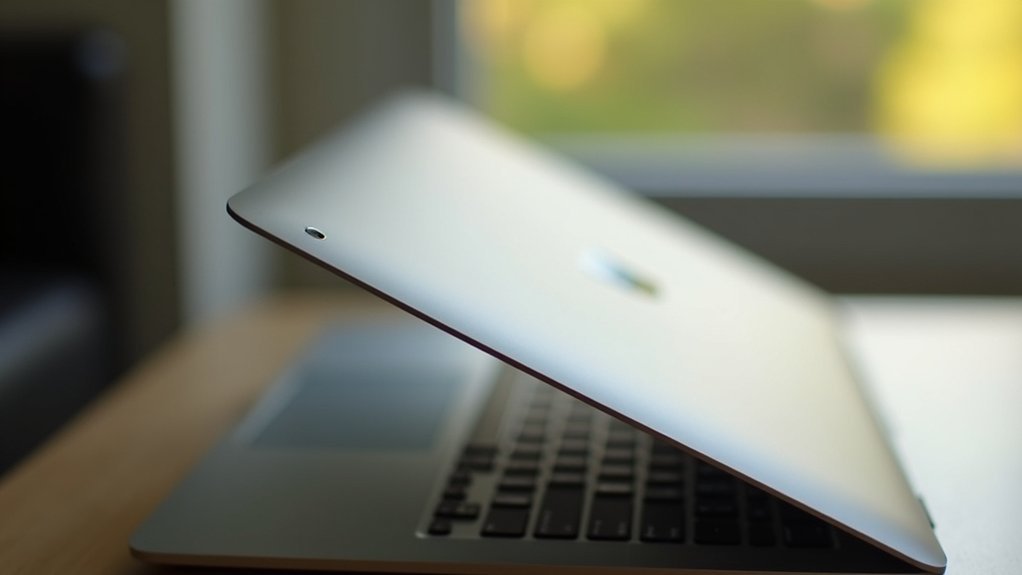
Because your privacy matters, the MacBook Air incorporates a green indicator light that activates whenever the camera is in use. This provides a clear and immediate signal of recording activity.
This green indicator light is an essential hardware security feature designed to protect your camera privacy by ensuring you always know when the camera is active.
Here’s what you should keep in mind:
- The green light and camera operate in tandem, so if the camera is on, the light will be too.
- This hardware security measure prevents unauthorized camera usage without your knowledge.
- Be aware that hardware malfunctions could cause false security if the camera or light fails.
- Regularly check your system to confirm the green indicator light functions properly.
This transparent design helps you maintain control over your camera privacy at all times.
Tips to Optimize MacBook Air Camera Quality
Maintaining your privacy is just one part of the MacBook Air camera experience; optimizing its quality guarantees you look your best during every video call or photo capture.
Start by cleaning the camera lens regularly with a soft, lint-free cloth to maintain clarity and sharpness.
Proper lighting plays an essential role. Position yourself facing a light source to improve visibility and avoid backlighting that can obscure your face.
Adjust camera quality settings within apps to match your specific needs for resolution and performance.
Don’t forget to use the Center Stage feature, which automatically keeps you framed and in focus as you move.
Finally, secure a strong Wi-Fi connection by minimizing obstructions and staying close to the router for smoother video calls.
Additional MacBook Air Camera Benefits for Work and Learning

When you engage in video calls or remote learning, the MacBook Air’s 12MP Center Stage camera keeps you perfectly framed, improving your presence and interaction.
Its advanced image signal processing delivers clear, vibrant visuals, making your online communication more effective.
The intelligent computational video capabilities dynamically adjust lighting and focus, so you always look your best, even in less-than-ideal environments.
Furthermore, these features support various work and learning scenarios through:
enhancing productivity and engagement with versatile camera features tailored for work and learning environments
- Desk View, showcasing your workspace alongside your face for interactive presentations
- Automatic framing that maintains your position during movement
- Improved video quality for clear, professional meetings
- A green indicator light to guarantee camera use is always transparent and secure
These benefits make the MacBook Air’s camera an essential tool for productivity and education.
Frequently Asked Questions
Can I Use External Webcams With the Macbook Air?
Yes, you can use external webcams with your MacBook Air. Just connect the webcam via USB or Thunderbolt, and macOS will usually recognize it automatically.
You’ll then select the external camera as your video input in apps like Zoom or FaceTime. This lets you enjoy better resolution or additional features that the built-in camera might lack.
It’s especially useful if you want more flexible positioning or professional-quality video during calls.
Does the Macbook Air Support Facial Recognition Login?
No, the MacBook Air doesn’t support facial recognition login like Face ID on iPhones.
Instead, you use Touch ID integrated into the power button for quick, secure access.
It recognizes your fingerprint accurately, even if your finger’s slightly wet or dirty.
This method is fast and highly secure, letting you gain entry to your MacBook Air and authorize Apple Pay transactions without typing a password.
How Does the Macbook Air Camera Perform in Low Light?
The MacBook Air camera performs impressively in low light, thanks to its 12MP Center Stage and advanced image processing.
You’ll notice clearer, brighter images with reduced noise, even in dim environments.
Features like Studio Light brighten your face while dimming the background, and Edge Light lets you customize lighting to improve visibility.
Are There Third-Party Apps Optimized for Macbook Air’s Camera?
You’ll find third-party apps like OBS Studio and Zoom that truly release your MacBook Air’s camera potential, making your video calls and streams shine like a lighthouse in the fog.
These apps use the 12MP Center Stage camera and its advanced image processor to boost clarity, color, and focus.
Plus, tools like Snap Camera and ManyCam offer filters, virtual backgrounds, and real-time adjustments, giving you creative control over your video feed.
Can I Switch Between Front and Rear Cameras on Macbook Air?
You can’t switch between front and rear cameras on the MacBook Air because it only has a front-facing camera.
Unlike smartphones, it lacks a rear camera, so you’re limited to the built-in 12MP front camera for video calls or photos.
If you need different angles or perspectives, you’ll have to connect an external webcam through the Thunderbolt 4 ports.
This setup keeps your options flexible despite the single built-in camera.
Conclusion
Your MacBook Air’s camera isn’t just a lens; it’s your digital window, bringing clarity and connection to every call and project. With features like Center Stage and Desk View, it adapts like a trusted guide, ensuring you’re always in focus.
Its privacy safeguards act as a shield, protecting your presence. By optimizing these tools, you reveal a seamless blend of security and sharpness, transforming your device into a powerful partner for work and learning.