What Types of Pictures Can a GoPro Camera Take?
You can capture sweeping landscapes, thrilling action bursts, intimate selfies, and vivid night-lapses with your GoPro. Its wide-angle lens and SuperSmooth stabilization keep your shots crisp in dynamic scenes like mountain biking or cliff diving.
Use Burst Mode for fast action or Night-Lapse to reveal stunning low-light details. Unique mounts let you shoot fresh perspectives, from helmet cams to pet views. With Protune settings, your photos come alive.
Keep exploring to master every shot your GoPro can take.
Key Takeaways
- GoPro cameras capture crisp action shots with SuperSmooth stabilization and burst mode for fast-moving subjects.
- They excel in selfies and portraits using a front-facing screen and wide-angle or linear lens options.
- Night and time-lapse photography are supported with Night-Lapse mode and auto exposure for low-light clarity.
- Unique mounts enable dynamic perspectives, such as hands-free POV shots and sweeping aerial views.
- Protune settings allow manual control over exposure, ISO, white balance, and RAW format for flexible editing.
Capture Great Photos With Your GoPro: Basics and Tips
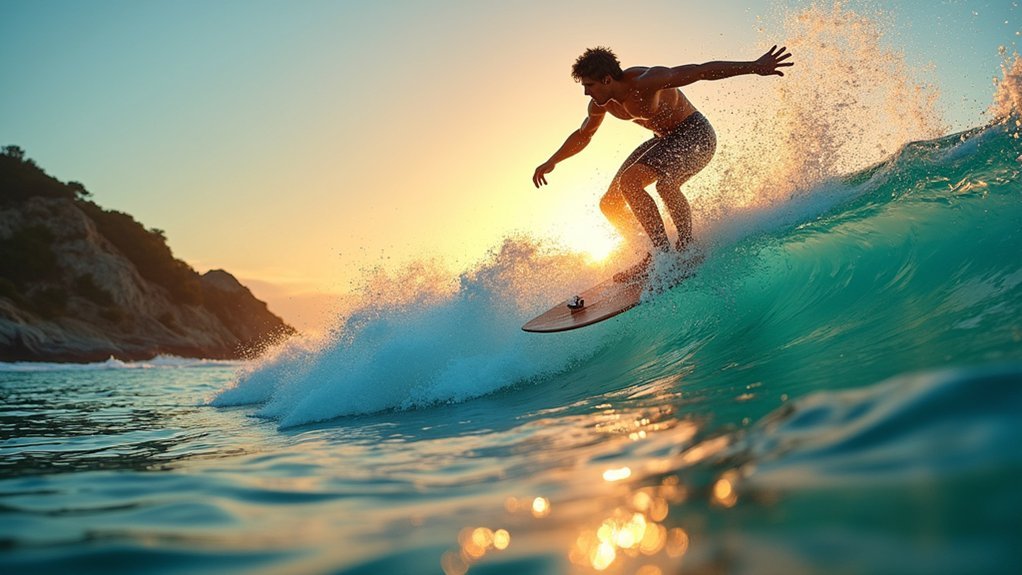
When you’re out exploring rugged trails or catching waves, your GoPro’s built-in SuperSmooth stabilization and tough design guarantee your action shots come out crisp and steady.
To capture great photos with your GoPro, basics and tips matter. Keep a minimum focusing distance of 12 inches in mind. It’s perfect for landscapes and action scenes, but not for extreme close-ups.
Remember to keep at least 12 inches distance for sharp landscapes and action shots with your GoPro.
Switch to RAW photo mode to access greater editing flexibility and boost image quality, especially in tricky lighting. Experiment with wide and linear fields of view to reduce fisheye distortion and sharpen your composition.
Don’t forget to use Voice Control for hands-free shooting so you never miss spontaneous moments in nature.
With these essentials, your GoPro becomes your ultimate adventure photography companion.
Take Selfies and Portraits Using Your GoPro
You’ll love how the front-facing screen helps you frame your selfies perfectly, capturing every smile against nature’s backdrop.
Plus, with SuperSmooth stabilization, your portraits stay crisp and steady, even when you’re on rugged trails or windy peaks.
Just grab your Shorty monopod and start exploring creative angles—it’s a fun way to bring your outdoor adventures to life.
Framing Selfies Perfectly
How can you capture the perfect selfie that showcases both your spirit and the stunning backdrop? Framing selfies perfectly with a GoPro means mastering angles and settings.
Use the front-facing screen to see yourself clearly, and the Shorty monopod to lift the camera, avoiding awkward arm shots. The wide-angle lens captures breathtaking landscapes, while experimenting with Linear mode keeps your portrait natural, cutting fisheye distortion.
Activate Voice Control to snap photos hands-free, letting you focus on the adventure.
| Technique | Benefit |
|---|---|
| Front-facing screen | Accurate framing |
| Shorty monopod | Better angles, less arm visible |
| Wide-angle lens | Captures vast backgrounds |
| Linear mode | Reduces fisheye effect |
| Voice Control | Hands-free shooting |
Let your GoPro take selfies that tell your story amid nature’s grandeur.
Enhancing Portrait Quality
Although capturing portraits with a GoPro can be challenging, leveraging the front-facing screen and linear mode lets you frame yourself sharply while keeping natural proportions.
For enhancing portrait quality, start by experimenting with linear shooting to reduce fisheye distortion, presenting your face and surroundings authentically.
Adjust your image style to “vibrant” to bring out the rich colors of the outdoors, making every portrait pop with life.
Use voice commands like “GoPro take a photo” for hands-free shots, allowing you to focus fully on your pose amid nature’s backdrop.
If you’re recording video portraits, consider adding the Media Mod for crisp audio, capturing not just your image but your story clearly.
These tips help you craft stunning, natural portraits wherever your adventure takes you.
Get Clear Close-Up Shots Despite Fixed Focus
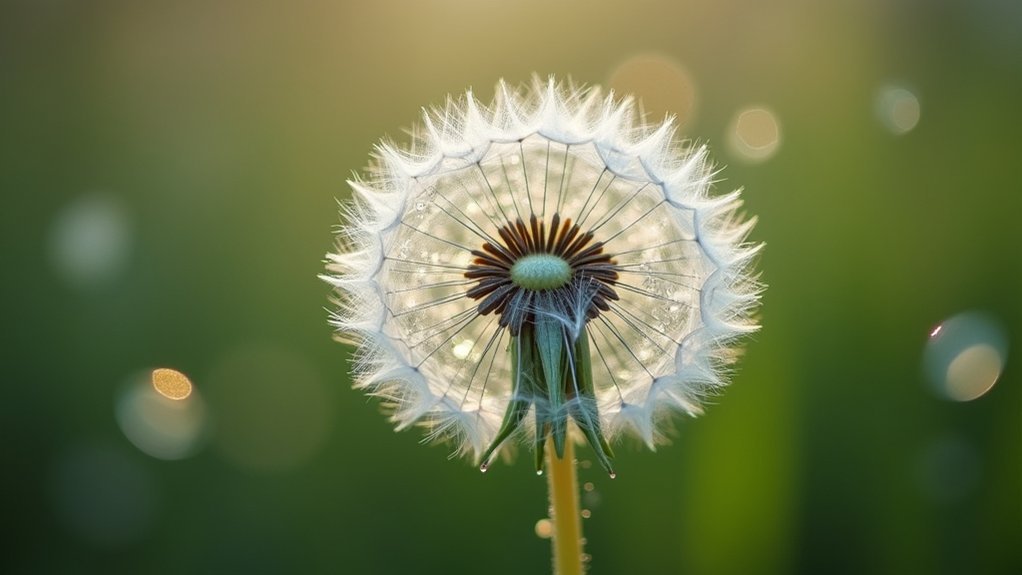
Capturing sharp close-up shots with your GoPro means respecting its 12-inch minimum focusing distance. You’ll need to position your camera carefully to keep your subject crisp and clear.
To get clear close-up shots, keep at least a foot between your lens and the detail you want to highlight, whether it’s a dew-laden leaf or a curious insect.
Shoot in RAW mode to maximize detail and give yourself more flexibility when editing. This lets you enhance textures and colors after you’ve captured the moment.
Experiment with different fields of view to frame your subject perfectly, minimizing background distractions and emphasizing nature’s intricate beauty.
Though your GoPro’s fixed focus isn’t ideal for extreme close-ups, these techniques help you seize vivid, immersive shots that bring tiny wonders to life.
Use GoPro’s Burst Mode to Capture Fast Action
A burst of rapid-fire photos can make all the difference when you’re chasing fast-moving action with your GoPro. Burst Mode lets you capture up to 30 images in a single second, perfect for snapping cliff diving splashes, mountain biking jumps, or wildlife in motion.
You won’t need to guess the perfect moment. Your GoPro automatically saves the best frames, ensuring you get the most striking shots from every high-speed sequence.
Activating Burst Mode is simple, so you can keep your focus on the adventure unfolding around you.
Shoot GoPro Night-Lapse Photos for Low-Light Scenes
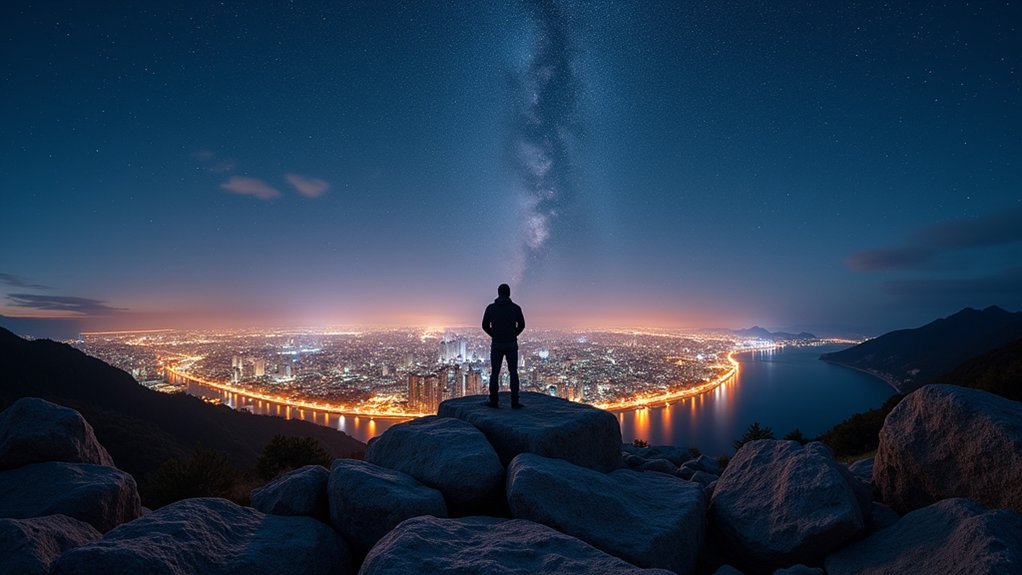
When night falls and light fades, you can rely on your GoPro’s Night-Lapse mode to reveal stunning low-light scenes with remarkable clarity.
This mode lets you capture continuous RAW photos every few seconds, perfect for shooting photos of slow-moving stars or glowing landscapes.
Set the interval to ‘Auto’ so your GoPro adjusts exposure intelligently, ensuring each shot is crisp despite the darkness. Using RAW format gives you the freedom to tweak colors and brightness later, enhancing every detail.
Remember to mount your GoPro on a tripod or stable surface to avoid blur from camera shake during those longer exposures.
With Night-Lapse, you’ll welcome the night’s beauty, turning subtle, quiet moments into vivid, adventurous images that tell nature’s nocturnal story.
Create Stunning Time-Lapse Videos With Your GoPro
Although time seems to slip away unnoticed, your GoPro lets you seize every moment by transforming still images into breathtaking Time-Lapse videos. Whether capturing a vibrant sunset or a bustling forest scene, these videos reveal nature’s hidden rhythms.
Use RAW format for top quality and Night-Lapse mode to capture low-light wonders with perfect exposure. You can even combine Burst mode for rapid action shots.
| Feature | Best Use |
|---|---|
| Normal Time-Lapse | Fast-moving subjects, 0.5s intervals |
| Night-Lapse | Low light, continuous RAW photos |
| RAW Format | Post-processing flexibility |
| Burst Mode | Action-packed sequences |
| Auto Interval | Optimized exposure in Night-Lapse |
Create stunning time-lapse videos that showcase nature’s beauty in mesmerizing detail.
Use GoPro’s Wide-Angle Lens for Landscape Shots
Capturing the passage of time with your GoPro’s time-lapse modes sets the stage for exploring the vastness of the outdoors through its wide-angle lens.
This lens lets you capture expansive landscapes with dramatic depth and scale, making every natural feature pop.
To master landscape shots using the wide-angle lens:
- Frame sweeping vistas without stepping back. Fit more into every shot.
- Experiment with low or high angles to highlight foreground textures.
- Use the lens to emphasize architectural details found in nature.
- Try creative compositions that showcase unique perspectives.
With the GoPro’s wide-angle lens, you’ll bring the grandeur of the outdoors to life, capturing landscapes that feel immersive and boundless.
Capture Amazing Underwater Photos With Waterproof Cases
Diving up to 33 feet underwater with your GoPro’s waterproof case opens a world of vibrant aquatic photography waiting to be uncovered. You can capture amazing travel memories by exploring coral reefs, schools of fish, and sunken treasures, all with stunning clarity.
Thanks to the wide-angle lens, your shots encompass expansive underwater landscapes, revealing nature’s hidden beauty. The fast shutter speed and RAW format guarantee each image bursts with detail and true-to-life colors, even in challenging light.
When darkness falls beneath the waves, Night Mode improves your photos, letting you document mysterious underwater scenes with ease.
Equipped with your GoPro, you’ll bring the ocean’s wonders to life, creating breathtaking images that inspire adventure and deepen your connection with the natural world.
Get Creative Angles by Mounting Your GoPro Uniquely
You can totally change up your shots by mounting your GoPro in some pretty unexpected ways.
Think about clamping it to a tree branch or even strapping it onto your adventurous dog.
Why not try experimenting with poles, harnesses, or the super versatile 3-Way accessory?
These tools help you capture stunning angles that show off nature’s hidden details.
These unique perspectives really bring your outdoor stories to life.
Plus, they let you see the world through fresh, exciting viewpoints you mightn’t have considered before.
Innovative Mounting Options
Three innovative mounting options can transform how you capture the world with your GoPro, letting you explore angles that most cameras can’t reach.
These mounts reveal amazing things, from hands-free action shots to breathtaking vistas.
- Jaws Flex Clamp – Clamps onto poles or railings, perfect for unusual, dynamic perspectives.
- Bite Mount – Grips your mouth for immersive, hands-free POV shots during thrilling activities.
- 3-Way – Functions as a tripod, grip, or selfie stick, giving you stability and flexibility.
- El Grande – An extendable pole that captures stunning distance shots, ideal for soaring adventures like paragliding or snorkeling.
Harness these mounts to plunge deeper into nature’s wonders and bring your GoPro’s potential to life.
Unique Perspective Techniques
When you mount your GoPro in unexpected ways, you unfasten perspectives that turn ordinary scenes into extraordinary adventures.
Using unique perspective techniques with GoPro cameras lets you capture the wild world from fresh angles.
Strap your GoPro to a pole or extendable arm for sweeping aerial shots that reveal vast landscapes and thrilling action from above.
Clip it onto a doggy harness to share your pet’s curious viewpoint as they roam nature trails.
Secure your GoPro to your helmet for heart-pounding first-person footage during intense outdoor sports.
The Jaws Flex Clamp lets you attach the camera to railings or bike frames, creating dynamic shots that pulse with motion.
With a 3-Way mount, you switch effortlessly between grip, tripod, and selfie modes, crafting creative, immersive images wherever you roam.
Extract High-Quality Stills From Your GoPro Videos
Although capturing the perfect action shot can be challenging, extracting high-quality stills from your GoPro videos makes it effortless to freeze those epic moments.
With the Quik app, you can scroll frame-by-frame, selecting the exact second that captures your wildest adventure.
When you extract high-quality stills from your GoPro videos, you preserve a resolution almost as sharp as a regular photo, perfect for sharing or printing.
Here’s how to master it:
- Import your video into the Quik app.
- Navigate frame-by-frame to spot the peak moment.
- Select and save the still image with a tap.
- Build a diverse gallery from one thrilling video.
This method guarantees no breathtaking moment in nature goes unnoticed.
Enhance Photo Quality With Protune Settings
You can take full control of your GoPro’s photo quality by tweaking Protune settings, like manual exposure and ISO adjustments, to match the lighting around you.
It’s pretty straightforward once you get the hang of it.
Choosing the right color profile also helps capture the vividness of natural landscapes just the way you see them.
This way, your photos really pop with life and color.
With these tools at your fingertips, you’re all set to create sharper, richer images that bring your outdoor adventures to life.
It’s like having a professional camera in your pocket!
Manual Exposure Controls
Since capturing the perfect shot often means adapting to unpredictable outdoor lighting, Protune lets you take full control of your GoPro’s manual exposure settings.
With manual exposure controls, you can fine-tune your camera to suit every natural scene, from sun-drenched peaks to shadowy forests.
Here’s how to master it:
- Adjust ISO Min and Max to balance brightness and reduce noise in low light.
- Set white balance manually to keep colors true to nature’s palette.
- Lower sharpness for more natural, less artificial detail.
- Use Protune’s RAW format for flexible post-processing and richer edits.
Embracing manual exposure controls releases your GoPro’s full potential, letting you capture the wild’s raw beauty with precision and artistry.
ISO Adjustment Benefits
When you adjust the ISO settings in Protune, you release finer control over your GoPro’s exposure. This lets you capture crisp, vibrant images no matter how wild the lighting conditions get.
The ISO adjustment benefits become clear as you dial down to ISO 100 in bright outdoor scenes, cutting noise for sharper, cleaner shots.
When dusk falls or dense forest shadows close in, ramping up ISO to 800 or higher boosts your camera’s sensitivity, revealing hidden details without blur.
Setting both minimum and maximum ISO values helps you strike the perfect balance between brightness and noise. This way, your camera adapts swiftly to changing natural light.
With Protune’s ISO adjustments, you unleash your GoPro’s potential, capturing every adventure in stunning, professional-quality detail.
Color Profile Options
Although mastering exposure and ISO settings is essential, diving into Protune’s color profile options reveals a new level of photo quality on your GoPro.
These options let you tailor your images precisely to nature’s vivid landscapes and shifting light.
With Protune’s color profile options, you can choose between natural, flat, or GoPro color profiles to control saturation and contrast. You can also adjust white balance manually or set it to Auto for true-to-life colors.
Fine-tune sharpness to keep details crisp without unnatural edges. Plus, expand dynamic range to capture both shadow and highlight details in high-contrast scenes.
Keep in mind, using Protune creates larger files, so pack a 256GB micro SD card for your outdoor adventures.
Utilize these options to capture the wild with stunning clarity and color.
Snap Photos Hands-Free Using GoPro’s Voice Control
If you want to capture the thrill of your outdoor adventures without fumbling for buttons, GoPro’s Voice Control lets you snap photos hands-free with simple commands like “GoPro take a photo.”
This feature activates through your camera’s main settings, enabling spontaneous shooting while you’re skiing down slopes, hiking rugged trails, or playing with your pet.
With your hands free, you focus fully on the moment as your GoPro listens within range and captures stunning photos effortlessly.
Voice Control improves your photography experience by removing the need for remote controls or manual presses, making it easier to document nature’s beauty in real time.
Accept this feature to immortalize every thrilling, wild second without breaking your stride.
Frequently Asked Questions
Can a Gopro Camera Take Professional Studio-Quality Portraits?
You won’t get professional studio-quality portraits with a GoPro because it’s built for action and wide landscapes, not fine detail or controlled lighting.
Its fixed aperture and minimum focus distance limit close-up sharpness, and low-light noise can spoil the shot.
However, if you’re capturing natural, candid moments outdoors or adventurous scenes, the GoPro excels.
Just don’t expect flawless, studio-style portraits from this rugged, nature-loving camera.
Is It Possible to Shoot Macro Photography With a Gopro?
You can shoot macro photography with a GoPro, but you’ll need some tricks.
Its fixed wide-angle lens and minimum focus distance mean you won’t get extreme close-ups naturally.
To capture tiny details in nature’s wonders, try adding an external macro lens attachment.
Get creative with your composition, keep your subject at least a foot away, and adopt post-editing to sharpen those intricate textures.
Adventure awaits in the small stuff!
How Well Does a Gopro Perform in Extreme Cold or Heat?
Your GoPro handles extreme cold and heat pretty well, but you’ll want to prepare.
In freezing temps, battery life drops fast, so pack spares to keep shooting.
In scorching heat, your HERO 10 or 12 manages heat better but still needs breaks to avoid shutdowns.
Protect your camera with housing and shade it when you can, letting you capture wild adventures without missing a moment in nature’s harshest climates.
Can a Gopro Capture 360-Degree Panoramic Photos?
Yes, your GoPro can capture stunning 360-degree panoramic photos, especially with models like the MAX.
You’ll immerse yourself in nature’s full grasp, recording every angle of breathtaking landscapes or wild adventures.
With dual lenses working together, you don’t miss a moment.
Use the GoPro app to stitch and edit your shots, creating vivid, high-resolution panoramas that let you relive your explorations from every perspective.
Does the Gopro Support RAW Photo Format for Editing?
Yes, your GoPro supports RAW photo format, perfect for capturing nature’s finest details on your adventures.
By enabling Protune, you gain access to RAW shooting, letting you tweak exposure, color, and sharpness with precision after the shot.
Bring out every texture in rugged landscapes or vibrant sunsets using editing tools like Lightroom or GoPro’s Quik.
Just pack a big micro SD card because RAW files take up more space but reward you with stunning, flexible images.
Conclusion
With your GoPro in hand, you’re all set to capture life’s hidden wonders in stunning detail. Whether you’re snapping spontaneous selfies, chasing fast-moving moments, or embracing the gentle glow of twilight, your camera adapts effortlessly.
By exploring unique angles and mastering features like Burst Mode and Protune, you’ll uncover a world of vibrant memories waiting to be told. So, venture out boldly. Your next great adventure is just a click away.